How to Build a Consistent AI Persona in 2026: The Complete Technical Playbook
How to build a consistent AI persona in 2026: reference set, the three approaches (managed SaaS, DIY LoRA, reference conditioning), multi-medium consistency from photo to video to audio, and fighting drift. The technical playbook for solo operators.
OFGenerator Team
Contents
22 min read
Most AI creator failures aren't quality failures. The output looks fine. The persona just isn't the same persona twice in a row — different jawline in this photo, slightly different eyes in that one, hair color drifting across a content set. Fans notice. Subscriptions don't renew. The account caps at $200/month no matter how much content gets posted.
Consistency is the credibility threshold. Below it, you have a slideshow of pretty images. Above it, you have a recognizable character that fans build a relationship with. This guide covers how to actually get there in 2026: the reference set, the three approaches to building persona consistency (and which one fits which operator), multi-medium consistency from photo to video to audio, and the drift problem nobody talks about.
The 30-second answer
The formula that works in 2026: a clean reference set of 10-20 images, a model trained or anchored on that reference set (whether you build it yourself or use a managed tool that handles it for you in a few clicks), reference conditioning layered on top for high-stakes shots, and a re-validation routine every 200-300 generations to fight drift. The key isn't which tool you pick — it's that you have one approach and you stick to it.
What kills consistency: starting without a reference set, generating 500 images without ever checking for drift, ignoring lighting and style as part of consistency, and switching tools mid-stream every time a new one launches. Most beginners fail here, not on the model choice.
Why consistency is the credibility threshold (not the cherry on top)
There's a working theory in AI creator forums that consistency is a "polish" issue — something to fix once the persona is making money. The actual data says the opposite. Consistency is the entry ticket. Without it, your account stays sub-$300/month forever.
Concrete behavior: when a fan opens a content set and sees what looks like two slightly different people, the parasocial relationship breaks. They're no longer subscribing to a person they want to follow — they're subscribing to an AI account that produces variable images. The retention drop is brutal: data from operator forums in 2025-2026 puts second-month retention at 18-25% for inconsistent personas vs 35-45% for consistent ones.
Custom requests fall off even faster. Fans pay $80-500 for a custom because they trust the persona will look like the persona. If your standard content already shows drift, fans don't risk a custom. The compounding effect is why the gap between consistent and inconsistent AI creators widens over time — it's not a marginal advantage, it's a multiplier.
The reference set: your most important asset
Everything else — the model, the workflow, the consistency tooling — derives from your reference set. Get this wrong and you can't fix it downstream. Get it right and the rest becomes a process question, not a craft question.
How many images do you need?
10-20 high-quality reference images is the operational minimum. Below 10, your persona model overfits to specific poses and lighting; the persona only looks right in the same conditions as your reference. Above 25, you start introducing inconsistencies between reference images themselves — and the model picks up the noise.
If you scrape 200 images of a similar-looking person from the internet to build a persona model, you're not building a persona — you're building a blurry composite. The result generates well sometimes and badly often, with no way to predict which.
What the reference set must cover
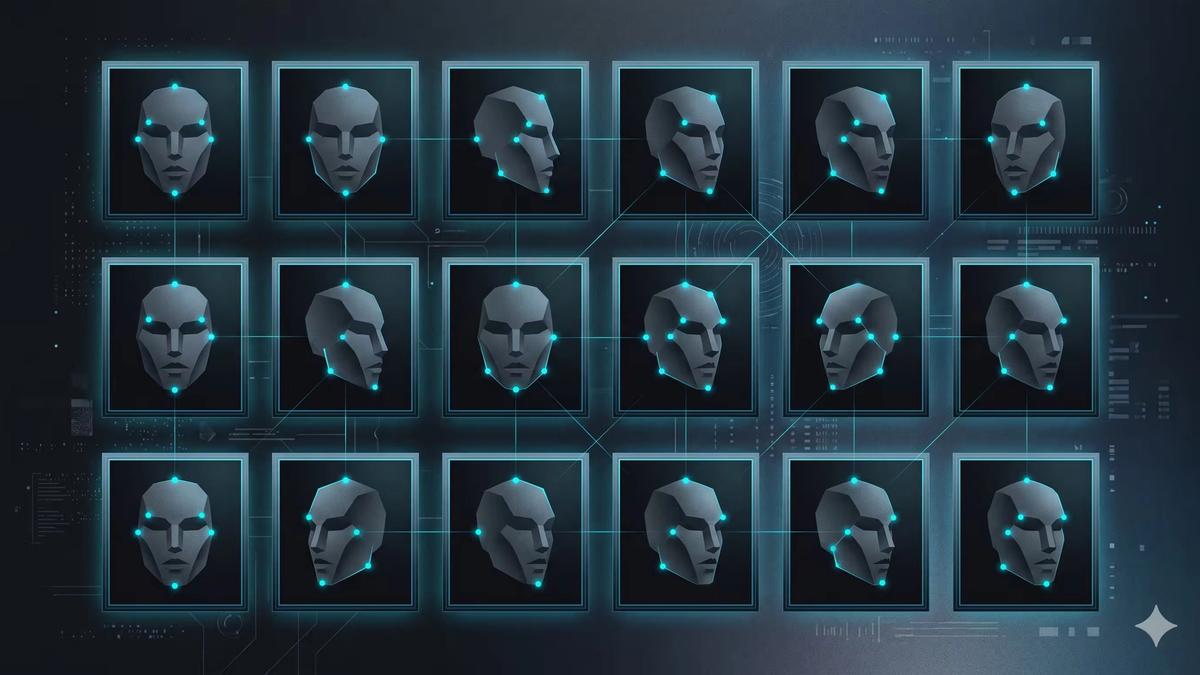
Multiple angles. Front-facing, three-quarter (left and right), profile, slight upward tilt, slight downward tilt. If your reference set is all front-facing, the model can't generate a believable side view.
Multiple expressions. Neutral, smile, smirk, surprised, serious. Five expressions minimum, captured cleanly enough to anchor the persona's emotional range.
Multiple lighting conditions. Soft daylight, harsh sunlight, indoor warm, indoor cool, low-light. The model learns the persona's bone structure, not just how she looks at noon. Without lighting variety, every generation will feel artificially identical.
Multiple framings. Close-up portrait, mid-shot (head and shoulders), three-quarter body, full body. Your future content will need all these framings. If only close-ups exist in the reference set, full-body generations will look off.
Consistent identity across all of them. Same eye color, same hair color and length, same body proportions, same skin tone, same identifying features (freckles, beauty marks). If your reference set itself shows drift, no amount of training will fix it.
Practical: building a reference set is iterative. Generate 100 candidates with a base model + initial prompt, ruthlessly filter to the 10-20 best, regenerate or re-prompt to fill the gaps (if you have 18 front-facing and 2 profile shots, generate 20 more profiles before stopping). The reference set is worth 10x the time of any subsequent content piece because everything else depends on it.
The three approaches to persona consistency in 2026
Persona consistency is solvable with three different approaches, each with a real trade-off between control and accessibility. Pick the one that fits your skill level and time budget — switching mid-project costs you weeks of momentum.
Approach 1 — Managed SaaS (build the model in a few clicks)
How it works: you upload your reference set, the platform builds a persona model from those images, and every subsequent generation is anchored on that model. No infrastructure setup, no training scripts, no hyperparameter tuning. You go from "here are my reference images" to "give me a generation in this scene" in a single session.
Trade-offs: less granular control over the underlying model. You can't easily swap the base model or tune training parameters. The platform makes the technical decisions for you, which is a feature for 90% of operators (faster to ship) and a constraint for the other 10% (advanced users who want to micro-optimize).
When to use: you're solo, you want to ship content this week not next month, and your bottleneck is content production not model engineering. This is the path most profitable AI creators take in 2026 — they pay for managed tooling and spend their time on persona, content, and DMs instead. OFGenerator is built around this approach: you give it a reference set, it builds your persona model in a few clicks, you generate images and video from there.
Approach 2 — DIY LoRA training (full control)
How it works: you set up your own training environment (Kohya, OneTrainer, or similar), pick a base model, train a LoRA on your reference set, manage your own ComfyUI or Automatic1111 setup for generation. You own every layer of the pipeline.
Trade-offs: real engineering work. 10-30 hours of upfront learning before you produce a usable LoRA, plus ongoing maintenance when models or tooling update. Hardware requirement (24GB+ VRAM for serious training). Bad LoRAs are worse than no LoRA, and you'll train several bad ones before you train a good one.
When to use: you're already technical, you enjoy the process, and you have time to invest in the toolchain before you can produce content. Or you're operating 10+ personas at scale and the unit economics of managed tooling stop working. For most solo operators starting out, this approach delays your first dollar of revenue by 1-2 months. That delay rarely pays off.
Approach 3 — Reference-image conditioning (no training, hybrid use)
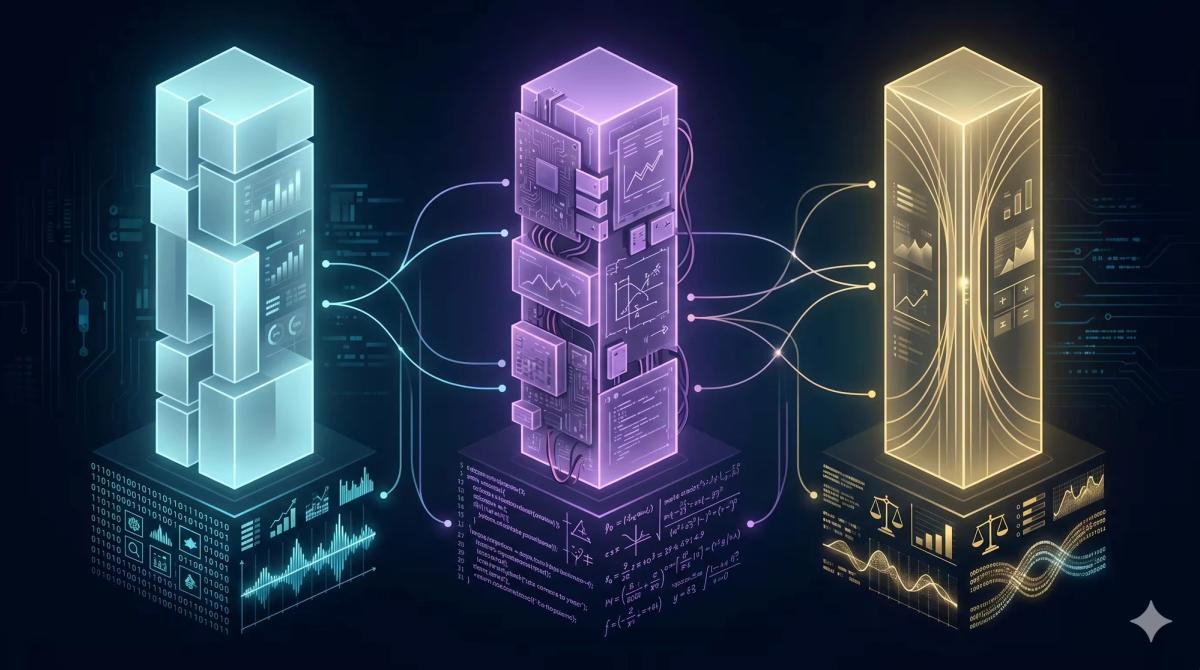
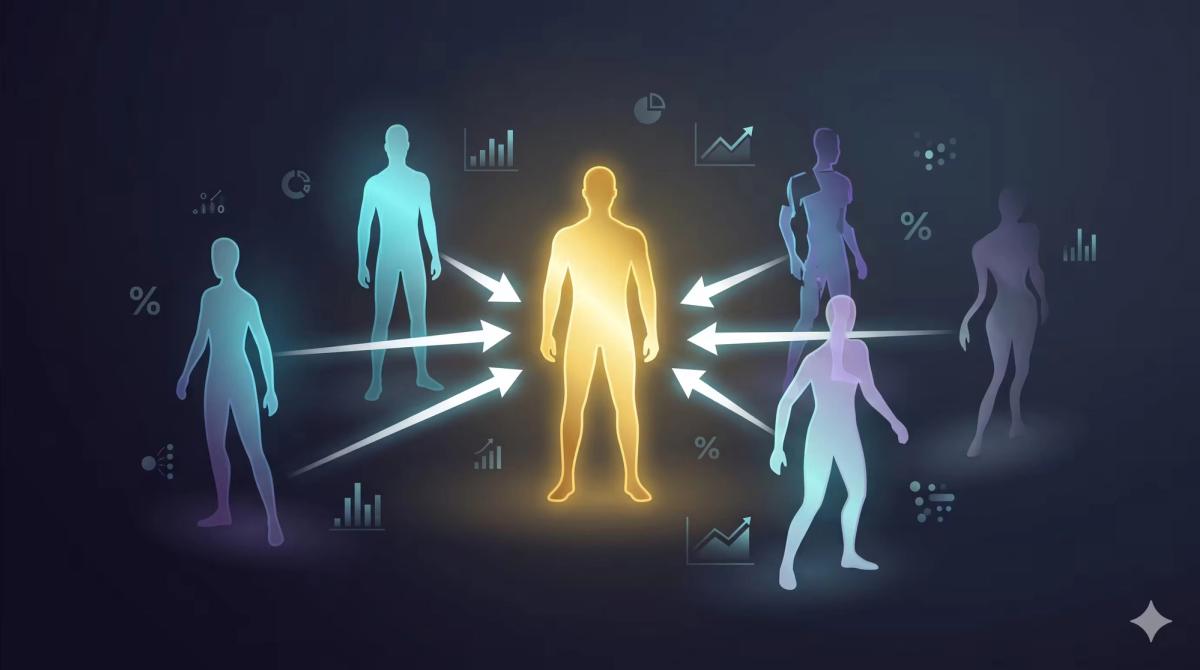
Instead of training a persona model, you condition every generation on a reference image at runtime — the system pulls identity features from your reference and projects them into the new generation. Tools like IPAdapter and FaceID are the open-source instances of this approach. Strengths: no training time, fast to set up. Weaknesses: consistency degrades on out-of-distribution poses (side views, full body, unusual angles drift fast). Best used as a complement to a trained model (whether SaaS or DIY), not as the sole consistency strategy. The combination — model anchoring identity broadly + reference conditioning tightening it per generation — is the production pattern most serious operators converge on.
Choosing your approach: the honest decision rule
If you're starting your first AI persona in 2026 and your goal is to ship content within 2 weeks, default to Approach 1 (managed SaaS). The faster you get to a producing persona, the faster you learn what fans actually want — and that's worth more than any model engineering. You can always migrate to DIY later once you have revenue justifying the time investment.
When the SaaS path is the right call
Most solo operators in 2026 don't need to build their own infrastructure. The math is simple: every hour you spend installing dependencies, debugging CUDA versions, or training failed LoRAs is an hour you didn't spend producing content, marketing the persona, or talking to fans. For a launching account, content velocity beats model perfection by a wide margin.
What you get: model creation in minutes from your reference images, consistent generation from your first session, no need to learn LoRA training or run your own GPU.
What you give up: fine-grained control over training parameters and base model selection. For 90% of operators, this isn't a real loss — those parameters wouldn't move their numbers anyway.
Reality check: the highest-revenue solo AI creators in 2026 split roughly 70/30 between SaaS-only operators and SaaS plus complementary external tools. Pure DIY operators are a small minority, mostly people who came from technical backgrounds and would have learned the toolchain regardless.
When DIY is genuinely worth the investment
There are real cases where running your own pipeline pays off. Don't dismiss DIY out of hand if you're in one of these:
Operator with 10+ personas. At that scale, the unit economics of managed tools stop being favorable. Running your own infrastructure becomes cheaper than paying per-persona fees, and the engineering investment amortizes.
Highly specific aesthetic requirements. If your persona depends on a very specific style (a particular artistic rendering, an unusual aesthetic that managed tools don't support well), DIY gives you the flexibility to pick exactly the base model and fine-tune that fits.
You enjoy the technical work. Don't underestimate this. If you find debugging CUDA setups and tuning hyperparameters fun, you'll iterate faster on the technical side than someone who finds it tedious. Personal fit matters.
The hybrid pattern (most common in 2026)
Most established operators end up running a hybrid: their main generation tool (SaaS or DIY) handles the core persona generation for both image and video, with reference-image conditioning layered on top for specific high-stakes shots, plus external tools for adjacent needs (voice cloning for audio messages, post-processing for color grading). The point isn't tool maximalism — it's having the right tool for each job, with one source of truth for the persona itself.
Build your persona model in a few clicks
OFGenerator builds your persona model from reference images, then generates consistent content from it. No training scripts, no infrastructure. 10 free credits, no card required.
Photo consistency is solved enough in 2026 that the new battlefield is multi-medium. Fans expect video. Top earners produce custom audio. Each medium adds a new consistency challenge.
Photo → video
Image-to-video generation creates 3-10 second clips from a starting image. The challenge: video models tend to drift the face mid-clip, or animate features in ways that don't match the persona's established look. By second 5, what started as your persona can become a slightly different person.
Practical workflow: generate the starting frame from your persona model at high quality. Use that frame as the input for your video generation. Keep clips under 5 seconds to limit drift exposure. For longer clips, generate multiple short segments with consistent input frames and stitch them. Whether your video generation is integrated into your image tool or runs separately, the principle is the same: anchor each clip on a high-quality, on-model reference frame.
What matters more than the specific tool: consistency between your image content and your video content. If your video generates a slightly different face than your image content, fans notice within seconds of opening the video. The right setup is one where image and video pull from the same persona model — either inside one tool, or by feeding the same reference frame into separate tools.
Photo → audio (voice cloning)
Voice cloning for AI personas is typically handled by external specialized tools (ElevenLabs is the current market leader, but several alternatives exist). The challenge: you don't have a reference voice for an AI persona — you have to assign one. Pick wrong and the voice clashes with the visual identity (a delicate-looking persona with a deep voice creates uncanny dissonance).
Practical workflow: audition 5-10 voice samples from a licensed voice library, pick one that matches the persona's age, body type, and personality, lock it. Once locked, use the same voice profile for every audio generation across your DMs, custom audio messages, and any future audio content. Voice consistency matters as much as visual consistency for fan trust.
Common mistake: using a different voice each time, or letting the chatbot voice differ from custom audio voice. Fans pick up on this within a few interactions. Pick once, use forever.
Photo → voice in DMs (chatbot consistency)
If you use Fanvue's native chatbot or a third-party DM automation, the persona's text voice (vocabulary, tone, signature phrases) needs to match the visual and audio identity. A persona presenting as soft-spoken who sends aggressive, transactional DMs breaks immersion harder than any visual drift.
Document the persona's voice as a written brief: 5-10 signature phrases, vocabulary preferences, tone defaults, topics she engages with vs deflects. Train the chatbot on this brief, audit DM samples weekly. Voice consistency is what turns repeat customers into VIPs.
The drift problem and how to fight it
After 100-200 generations, almost every AI persona starts drifting. The face is still recognizable but features shift subtly — cheekbones higher, eye spacing slightly different, lips fuller. Fans notice across content sets even if individual images look fine. This is the silent killer of long-term accounts.
Why drift happens
Prompt mutation. Operators tweak prompts over time — add a new descriptor, remove one, try a slightly different aesthetic. Each tweak nudges the model's output. Over 200 generations, accumulated prompt changes produce a different persona.
Content category expansion. When you start producing content in new contexts (gym setting, evening look, beach), the model sometimes generalizes the persona's features to better fit the new context, drifting the baseline.
Tooling updates. Updates to base models, sampler defaults, conditioning techniques — each can shift output subtly. A workflow that produced consistent results in March can produce slightly different results in October on the same prompts.
Operator memory bias. You see your persona constantly. Small drifts over weeks feel invisible to you because each step is small. Fans seeing the back catalog after subscribing notice the cumulative drift instantly.
How to fight drift
Lock a canonical reference. Pick 3-5 reference images that perfectly represent your persona at her best. These never change. Every 100-150 generations, generate a test image with your current workflow and compare to the canonical reference. If they don't match, your workflow has drifted.
Version your workflow. Save full workflow snapshots (model versions, persona model file or settings, prompt template, generation settings) every time you make changes. When drift appears, you can revert to the last known-good snapshot instead of guessing what changed.
Re-train every 6 months. Take your best 20 generations from the last period (filtered for canonical-like quality), retrain or refresh your persona model with them. This locks in the current persona and resets drift. Schedule it like a maintenance task, not a reactive fix.
Limit prompt mutation. Maintain a base prompt template you don't modify. Variations happen via additional descriptors appended to the base, not by rewriting the base. The base anchors the persona; the additions describe the scene.
Lighting and style consistency (the part nobody talks about)
Most operators obsess over face consistency and ignore everything else. The result: a face that's reliably your persona, but a content set that looks like 50 random photographers shot her in 50 different conditions. Fans don't articulate the problem, but they perceive it as "this account doesn't feel like a real person's content".
Color grading
Real creators have a recognizable color palette across their content — warm and golden, cool and clinical, desaturated and moody. AI generations default to whatever the model's color tendency is for that prompt, producing a content library that visually clashes with itself.
Solution: post-process every generation through a consistent color grade (LUTs in Lightroom, Photoshop, or automated via a dedicated grading workflow). Pick a signature look for the persona and apply it everywhere. The face does identity, the grade does brand.
Lighting style
Some personas live in soft, even, flattering light. Others live in dramatic, contrasty, stylized light. Pick a default lighting language for the persona and prompt it explicitly every generation. "Soft window light from the left, gentle shadow on the right side of the face" is the kind of detail that anchors lighting consistency.
Variations are fine — a beach shoot will have different light than a bedroom shoot — but each context should have its own canonical light setup. Document them. Reuse them.
Aesthetic markers
Real people show up in their content with consistent micro-details: a specific perfume bottle on the dresser, the same coffee mug in morning shots, the same plant in the bedroom. AI personas can fake this and it dramatically increases perceived realism. Decide on 3-5 recurring objects/details that appear across content. Prompt them in. The persona stops feeling like a generated image and starts feeling like a person with a life.
Common mistakes
1. Skipping the reference set step. Trying to build a persona from a vague prompt and IPAdapter on a random celebrity photo. The persona never has a coherent identity because no canonical identity was ever defined.
2. Building a persona model on too few or too inconsistent images. 5 reference images of mediocre quality produce a model that overfits and misbehaves on edge cases. The whole pipeline downstream amplifies the problem.
3. Using reference conditioning alone for a serious persona. Reference conditioning (IPAdapter and similar) alone is fine for testing. For production, always combine it with a trained persona model. Without the model, you're betting on every generation interpreting your reference correctly — and many won't.
4. Ignoring drift until fans notice. By the time a fan asks "is this still the same girl?", drift has been compounding for months. Schedule canonical-reference checks every 100-150 generations from day one.
5. Treating consistency as a face-only problem. Consistent face + inconsistent voice + inconsistent color grade + inconsistent lighting = inconsistent persona. Fans process the whole, not just the face.
Verdict: consistency is a system, not a setting
Persona consistency in 2026 isn't a single tool or a single setting. It's a system: 10-20 reference images locked as canon, a persona model built from those references (whether you build it yourself or let a managed tool do it), reference conditioning layered on top for high-stakes shots, video generation anchored on on-model frames, voice locked across all audio touchpoints, color grading for brand cohesion, drift checks every 150 generations. Each piece is solvable individually. The work is operating them together.
If assembling and maintaining all of this from scratch feels heavy, that's accurate — it is. The reason managed tooling exists is that for most solo operators, the math of "learn the full DIY stack" vs "use a managed tool and ship content this week" tilts heavily toward managed. The gap between consistent and inconsistent AI creators is where actual businesses live — but you don't have to build the consistency infrastructure yourself to win it.
Voice cloning licensed libraries (ElevenLabs and alternatives): elevenlabs.io
Ship a consistent persona this week
OFGenerator builds your persona model in a few clicks, then generates consistent images and video from it. Fastest path from reference set to producing content. 10 free credits, no card required.
How many reference images do I need to build a consistent AI persona?
10-20 high-quality images is the operational minimum. Below 10, your persona model overfits to specific poses and lighting, so the persona only looks right in the same conditions. Above 25, you start introducing inconsistencies between reference images themselves and the model picks up the noise. The reference set must cover multiple angles (front, three-quarter, profile), multiple expressions, multiple lighting conditions, and multiple framings (close-up to full body) — with consistent identity across all of them.
Should I build my own LoRA from scratch or use a managed tool?
For 90% of solo operators starting out in 2026, use a managed tool that builds the persona model from your reference images in a few clicks. The DIY path (Kohya, OneTrainer, your own ComfyUI) requires 10-30 hours of upfront learning before you produce usable output, plus ongoing maintenance. That delay rarely pays off — content velocity matters more than model perfection in your first 6 months. DIY becomes worth the investment when you're operating 10+ personas, when your aesthetic requires a specific niche base model that managed tools don't support, or when you genuinely enjoy the technical work.
What's the difference between training a persona model and using reference-image conditioning?
A trained persona model (whether you build it via DIY LoRA training or via a managed SaaS tool that handles training for you) gives durable identity that generalizes across angles, expressions, and lighting — essential for any persona producing 100+ pieces of content. Reference-image conditioning (IPAdapter, FaceID) is faster to set up but degrades on out-of-distribution poses and complex scenes. The production pattern most operators end up using is both together: trained model carries identity broadly, reference conditioning tightens it per generation using a target-similar reference image.
Why does my AI persona drift over time and how do I fix it?
Drift comes from accumulated prompt changes over time, content category expansion, tooling updates, and operator memory bias (you don't notice gradual drift, fans seeing the back catalog do). Fight it with: a locked canonical reference set of 3-5 images that never change, workflow versioning (snapshot all settings on every change), refreshing your persona model every 6 months on the best recent generations, and limiting prompt mutation to additions on a fixed base template.
Should image generation and video generation use the same tool?
Ideally yes, because both should pull from the same persona model — otherwise the face in your video looks subtly different from the face in your photos and fans notice. If your generation tool handles image and video together, that's the cleanest setup. If not, generate a high-quality on-model frame from your image tool, then feed that frame as input into your video tool. For voice, use a separate specialized tool (ElevenLabs or equivalent) and lock a single voice profile that matches your persona's identity — voice consistency matters as much as visual consistency for fan trust.