How to Create a Content Calendar with AI Tools
Consistency is what separates thriving OnlyFans creators from those who burn out. This guide shows you how to build a sustainable AI-powered content calendar — with a ready-to-use 30-day template.

Why Consistency Beats Volume
The most common mistake new OnlyFans creators make isn't producing bad content — it's producing inconsistently. A burst of 20 posts followed by two weeks of silence tells the algorithm you're unreliable and tells subscribers you're not worth keeping.
Consistency signals commitment. It keeps your content visible in subscriber feeds, builds anticipation, and creates the habit of engagement that drives retention. A creator who posts 5 times a week, every week, will outperform one who posts 20 times in a week and then disappears.
The problem is that consistency is hard to sustain when every piece of content requires a photoshoot. AI removes that constraint. With batch generation sessions, you can produce a month's worth of content in a few hours — then schedule it to publish consistently over time.
How AI Changes the Planning Equation
Traditional content planning was limited by production capacity. Every post required real effort: planning, shooting, editing. Creators planned around what they could realistically produce.
AI flips this. Production is no longer the bottleneck — planning and curation are. You can generate far more content than you can publish, which means your job shifts from "how do I produce enough?" to "what should I publish, and when?"
This is a better problem to have — but it requires a different approach to planning.
Step 1: Define Your Content Pillars
Content pillars are 3 to 5 recurring themes that rotate throughout your calendar. They give your feed variety without requiring you to reinvent your content strategy every week.
Signature content — Your core aesthetic. The look and style that defines your brand. This is what subscribers subscribed for.
Location / setting series — Different scenarios featuring your model: beach, urban, interior, outdoor, fantasy. Creates variety while keeping your persona consistent.
Mood / atmosphere — Intimate, playful, editorial, cinematic. Rotating moods keeps your feed dynamic without requiring new concepts every day.
Teaser / PPV content — Short clips or cropped images that drive pay-per-view purchases. Strategically placed throughout the calendar.
Seasonal or thematic — Content tied to events, seasons, or trends. Planned in advance and generated in batch.
Once you have your pillars, every post on your calendar falls into one of these categories. Planning becomes filling slots, not making creative decisions from scratch.
Step 2: Map Content Types to AI Tools
Different content pillars map naturally to different OFGenerator modules:
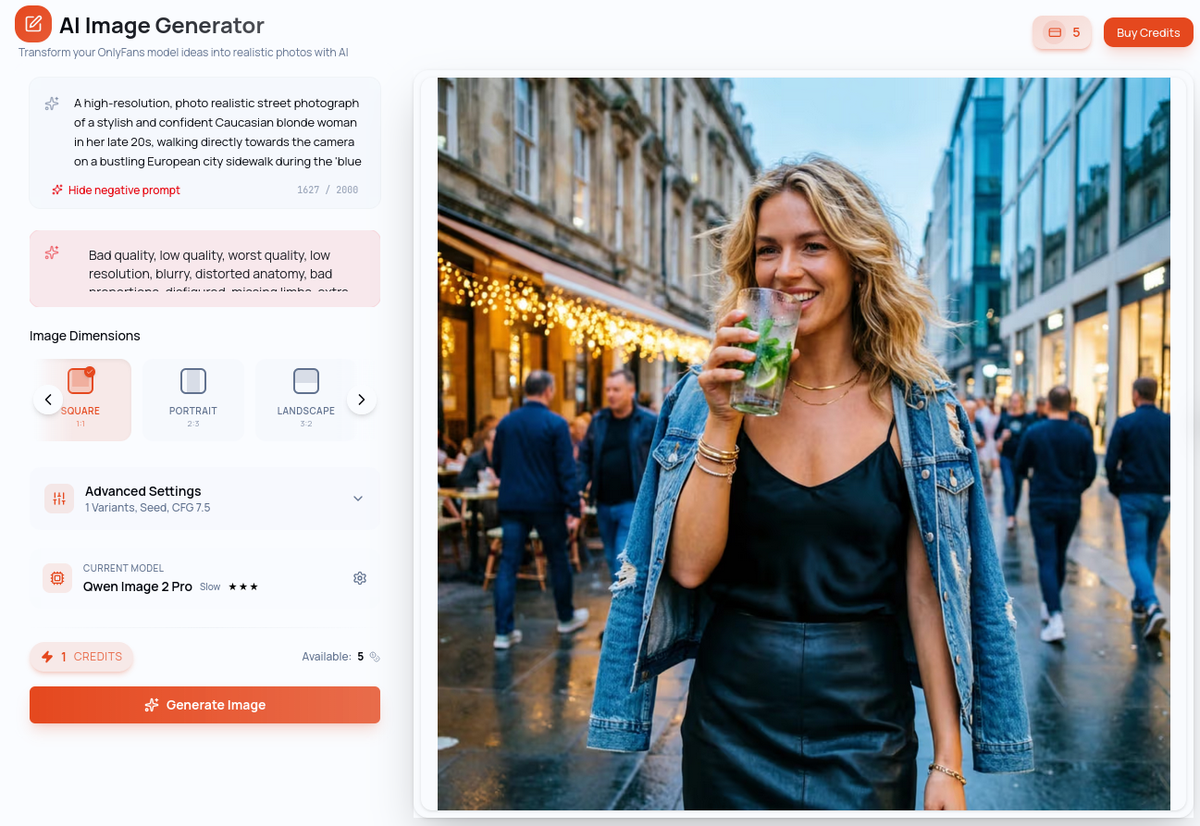
Signature content → I2I: Your model in your core aesthetic. Always consistent, always on-brand.
Location series → I2I: Same model, varied settings. The workhorse of your catalog.
Atmospheric content → I2I or T2V: Motion adds premium value to mood-driven content.
Teasers → I2V: Animate your best images into short clips that drive PPV purchases.
Creative / experimental → T2I or T2V: No identity constraint — pure creative exploration.
A balanced calendar typically runs 70–80% images and 20–30% video. Videos take longer to generate and are best reserved for premium or teaser content.
Step 3: Build Your Weekly Structure
Before building a monthly calendar, define your weekly posting rhythm. This becomes the repeating unit you plan around.
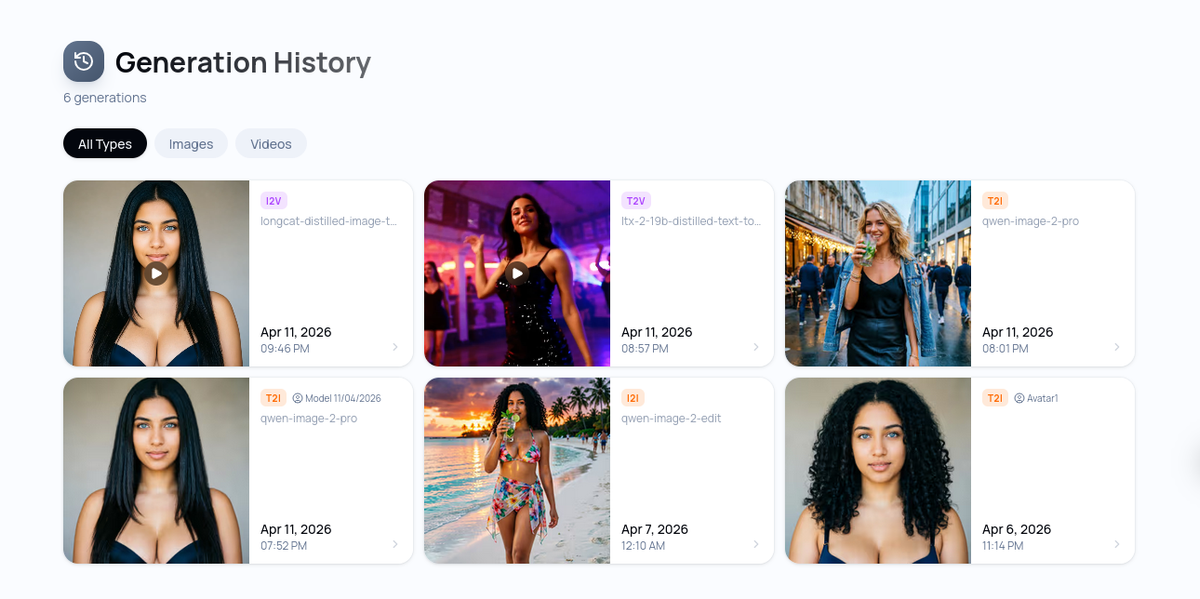
Example weekly structure (5 posts/week):
Monday: Signature content — I2I image in your core aesthetic
Tuesday: Location series — I2I image in a new setting
Wednesday: Teaser clip — I2V animation of your best recent image
Thursday: Signature content — second I2I image of the week
Friday: Premium / PPV drop — your strongest generation of the week
This structure gives you variety across the week, places your teaser mid-week to drive Thursday/Friday engagement, and ends the week with your best content. Adjust based on when your audience is most active.
Step 4: Plan One Month at a Time
With your weekly structure defined, planning a month is straightforward. Map 4–5 weeks of your structure onto a calendar, then assign specific content themes to each week.
Week 1 — New location series (e.g. beach / coastal): Build out 4 images and 1 teaser clip in this setting.
Week 2 — Interior / boudoir series: New setting, same model. Continue building location variety.
Week 3 — Outdoor / urban series: Third distinct setting for the month.
Week 4 — Seasonal or thematic content: Tie content to an event, trend, or special promotion. End the month with a strong PPV drop.
This approach gives you 20 planned posts — a full month of consistent content — without making creative decisions day by day.
Step 5: Generate in Batches
The efficiency gain of AI content creation comes from batching. Rather than generating one image at a time when you need it, set aside dedicated sessions to produce content in bulk.
Weekly session (1–2 hours): Generate the content for the following week. Run 8–12 I2I generations, select the best 4–5 for the schedule, and generate any video content needed.
Monthly planning session (30 minutes): Review the upcoming month's calendar, define content themes for each week, and identify any seasonal content that needs to be created.
Buffer rule: Always maintain at least one week of ready-to-publish content. If something prevents you from generating, your schedule continues uninterrupted.
Tools to Manage Your Calendar
You don't need complex software. A simple system you'll actually use is better than a sophisticated one you abandon.
For planning: A spreadsheet or a free tool like Notion or Trello works well. Track date, content type, pillar, status (generated / scheduled / published), and notes.
For scheduling: OnlyFans has native scheduling — use it. Upload your content in batch at the start of the week and schedule each post for its intended date and time.
For asset storage: Keep a folder structure organized by month and content type. Label your files clearly so you can find any piece of content quickly.
Ready to build your production pipeline? Start generating your first content batch on OFGenerator — new accounts include 10 free credits.