How to Use AI for OnlyFans Content Creation: The Complete Beginner's Guide
New to AI content creation for OnlyFans? This complete beginner's guide explains everything — from text-to-image to models — and shows you exactly how to get started today.
Building an OnlyFans business has always required one thing above everything else: a constant supply of quality content. That means photoshoots, editing sessions, equipment, lighting, and hours of your time — week after week.
AI content generation changes that equation entirely.
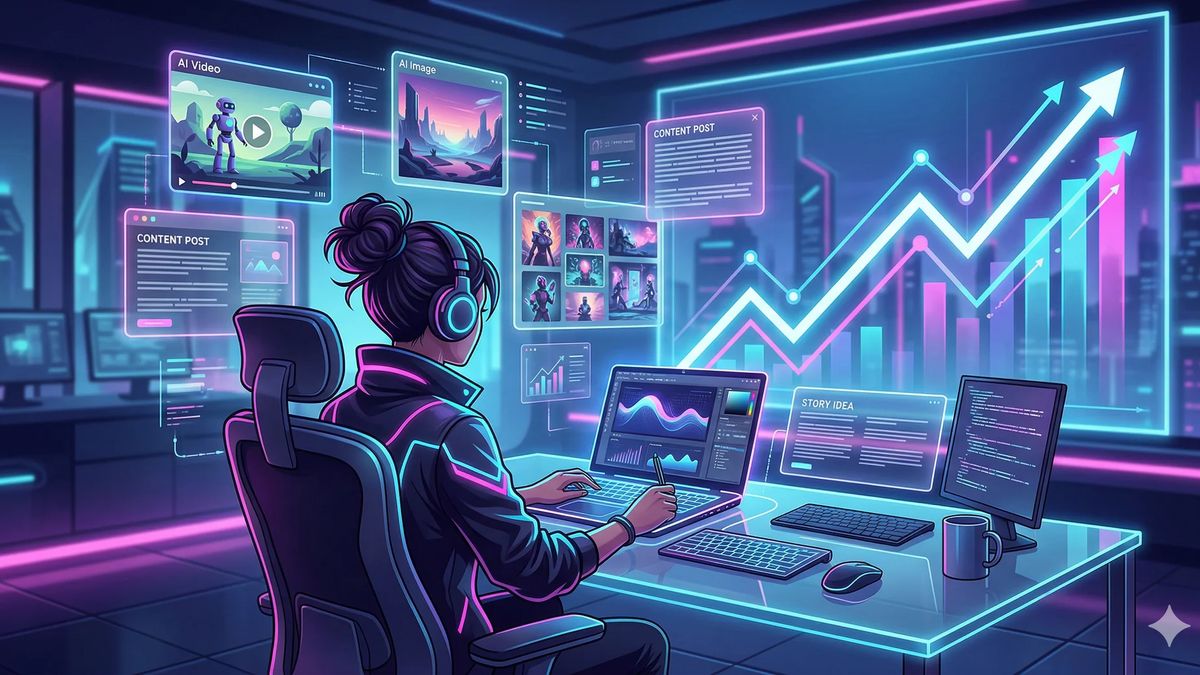
In 2026, creators are using AI tools to generate professional-quality images, animate photos into videos, and build fully consistent virtual personas — without a camera, without a studio, and without burning out. The technology has matured to a point where the output is compelling, the tools are accessible, and the results are real.
This guide covers everything you need to know to get started, even if you've never used an AI tool before.
What Is AI Content Generation?
AI content generation uses machine learning models trained on vast datasets to create visual content from simple instructions. For OnlyFans creators, this means four core capabilities:
Text-to-Image
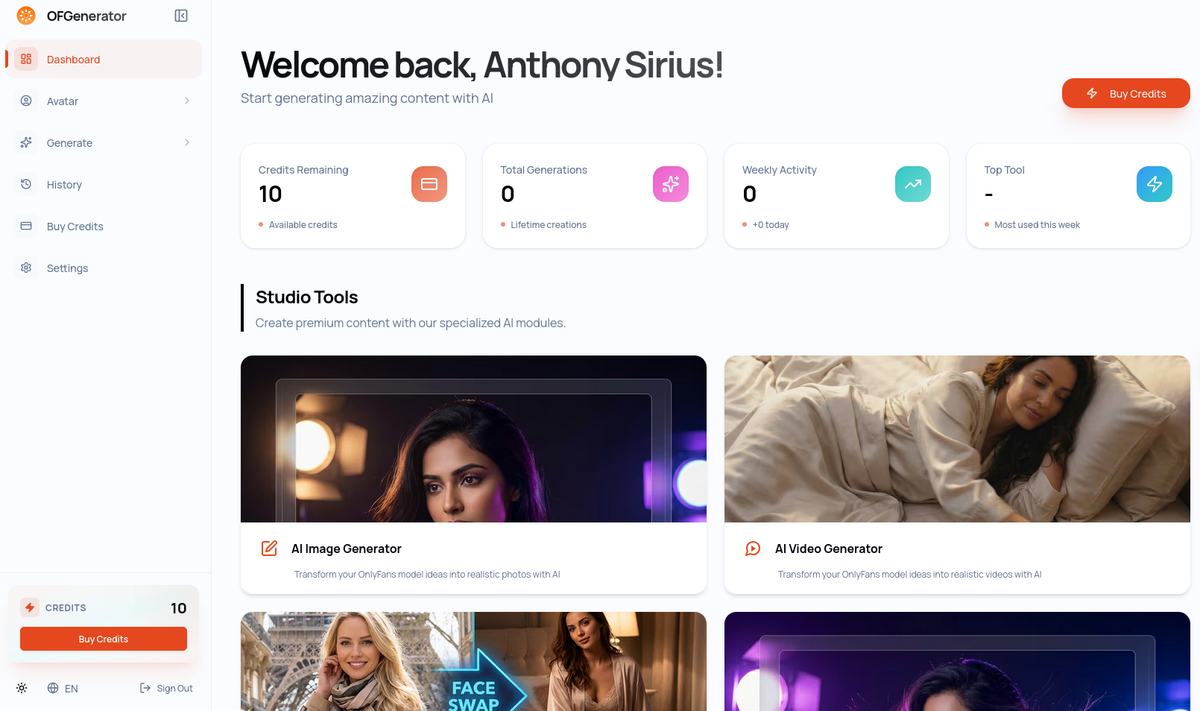
You type a description — a scene, a mood, a style, a pose — and the AI generates a matching image. No camera required. The results range from stylized illustrations to photorealistic visuals, depending on the model and the quality of your prompt.
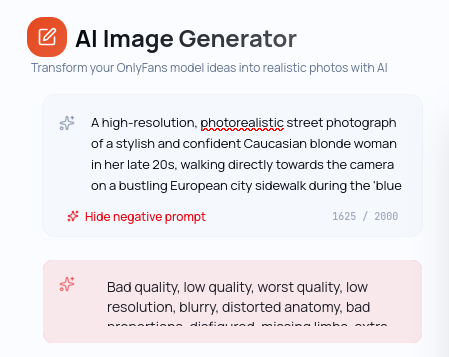
Best for: Creating entirely new content from imagination, generating variations of a concept, producing content that would be difficult or expensive to shoot traditionally.
Image-to-Image
You upload an existing image and the AI generates a new version of the same person in a completely different context — a new pose, a new location, a new setting — while keeping the face and identity consistent. This is the core production tool for maintaining visual coherence across your content.
Best for: Generating content variations while keeping your model consistent, placing your persona in different scenarios, building out your catalog efficiently.
AI Video Generation
AI video tools take things further, either generating video from a text description (text-to-video) or animating a still image into motion (image-to-video). The quality has improved dramatically over the past year.
Best for: Adding movement to your catalog, creating teasers, producing content that stands out on platforms where video outperforms images.
AI Model Creation
Instead of working with random generations, the Create Model lets you define a consistent character — facial features, hair, skin tone, body type, style — and use that character as the reference for all your future content. This is the foundation of a scalable content brand.
Best for: Building a recognizable persona, maintaining visual consistency across your entire catalog, managing multiple content profiles.
Why Creators Are Making the Switch in 2026
Speed. A traditional photoshoot takes hours of preparation, the shoot itself, and hours of editing. AI generates content in minutes. Creators who used to post 3 times a week can now maintain daily schedules without additional effort.
Cost. Studio rental, equipment, lighting, potentially a photographer — production costs add up fast. AI generation runs on a credit-based model where each image or video costs a fraction of traditional production.
Privacy. A growing segment of creators prefers to keep their real identity private. AI-generated models make this possible without compromising on content quality or variety.
Scale. Agencies managing multiple creator profiles face a multiplication of all the above challenges. AI makes it feasible to run multiple profiles with a lean team, maintaining quality across all of them simultaneously.
Experimentation. Wondering if a different style or aesthetic would resonate with your audience? With AI, you can test a concept in minutes before committing to a full content direction.
What AI Won't Replace
Being clear about this matters. AI is a production tool — not a strategy.
Your creative direction. The AI generates what you instruct it to. Knowing what to create, what your audience responds to, and what defines your brand — that comes entirely from you.
Your audience relationship. Subscribers don't pay for images. They pay for connection, personality, and the feeling that they know you. That's human and irreplaceable.
Your business judgment. Pricing, posting frequency, platform strategy, engagement — AI doesn't make those decisions.
The creators who do best with AI are those who treat it as an amplifier of their existing vision, not a replacement for having one.
How to Get Started on OFGenerator: Step by Step
Step 1: Create Your Account
Go to OFGenerator.com and create your account. New users receive 10 free credits to explore the platform before committing to a paid plan.
Step 2: Create Your Model
OFGenerator gives you two ways to define your persona:
Create Model: Fill in your character's attributes — face shape, eye color, hair style, skin tone, body type — and the platform generates your model from those parameters.
Text-to-Image: Generate your model from a text prompt using the image generation tool. Better if you prefer to explore visually and iterate from there.
Take the time to get this right. Once you're happy with your model, you'll use it as the reference for every piece of content you create — so it's worth being precise.
Step 3: Generate Your Content with Image-to-Image
With your model ready, Image-to-Image becomes your main production tool. Take your model image and use it as the reference to generate new scenes: a different pose, a new location, a new setting — always the same person, always recognizably consistent.
This is the core loop of OFGenerator: one model, unlimited scenarios. A beach, a bedroom, a studio, a fantasy setting — your persona travels anywhere without losing her identity.
Step 4: Build Your Content Buffer
Before your first post, generate 15–20 images across different scenarios using Image-to-Image. This gives you a publishing buffer so you're never creating under pressure.
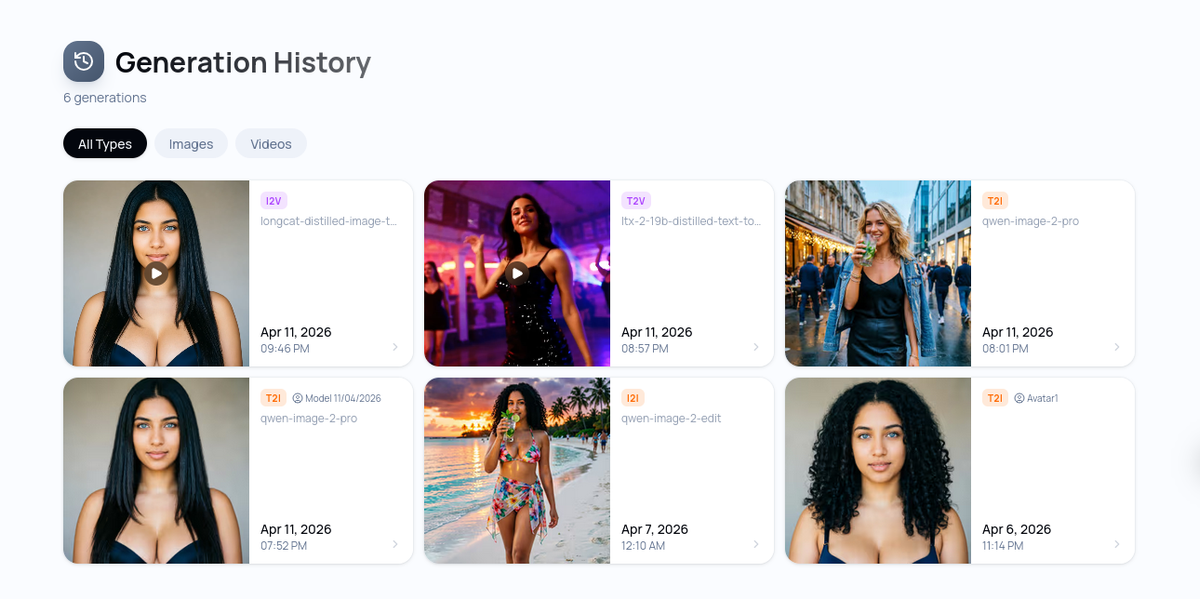
From there, schedule regular generation sessions — 1–2 hours per week is enough for most creators to stay well ahead of their posting calendar.
Common Mistakes to Avoid
Generating without direction. Random generations waste credits and create an inconsistent feed. Always know what you're creating and why before you start.
Skipping the model step. Creators who jump straight into image generation often struggle with consistency later. Set up your model first — it pays off immediately.
Publishing everything you generate. Not every output will be usable. Be selective. Quality over volume always wins on subscription platforms.
Ignoring your platform's guidelines. Make sure every piece of content you post complies with OnlyFans' terms of service. AI-generated content is allowed, but the same content rules apply.
Forgetting the human element. Even with AI-generated visuals, your captions, engagement, and subscriber interactions remain 100% you. Don't let content production crowd out audience connection.
Frequently Asked Questions
Is AI-generated content allowed on OnlyFans? Yes. OnlyFans permits AI-generated content as long as it complies with their content policy. The same rules that apply to real content apply to AI-generated content.
Do I need any technical skills? No. OFGenerator is designed for creators, not engineers. If you can describe what you want in words, you can generate content.
How many credits do I need per month? It depends on your posting frequency and the mix of images and videos. Most active creators work comfortably with the mid-tier plan. Start with the free credits to calibrate your usage.
Can I use AI content alongside real photos? Absolutely. Many creators mix AI-generated and traditional content. The key is maintaining a consistent visual identity across both.
Will my subscribers know the content is AI-generated? Only if you tell them. Many creators are transparent about using AI — and find their audience doesn't mind, or actively appreciates the consistency and variety it enables.
Ready to take your content production to the next level? Start with 10 free credits on OFGenerator and generate your first image today.