
Create AI photos of your character with visual choices.
Choose a scene, framing and expression for your character. Start with text or an image when you want to guide the result another way.
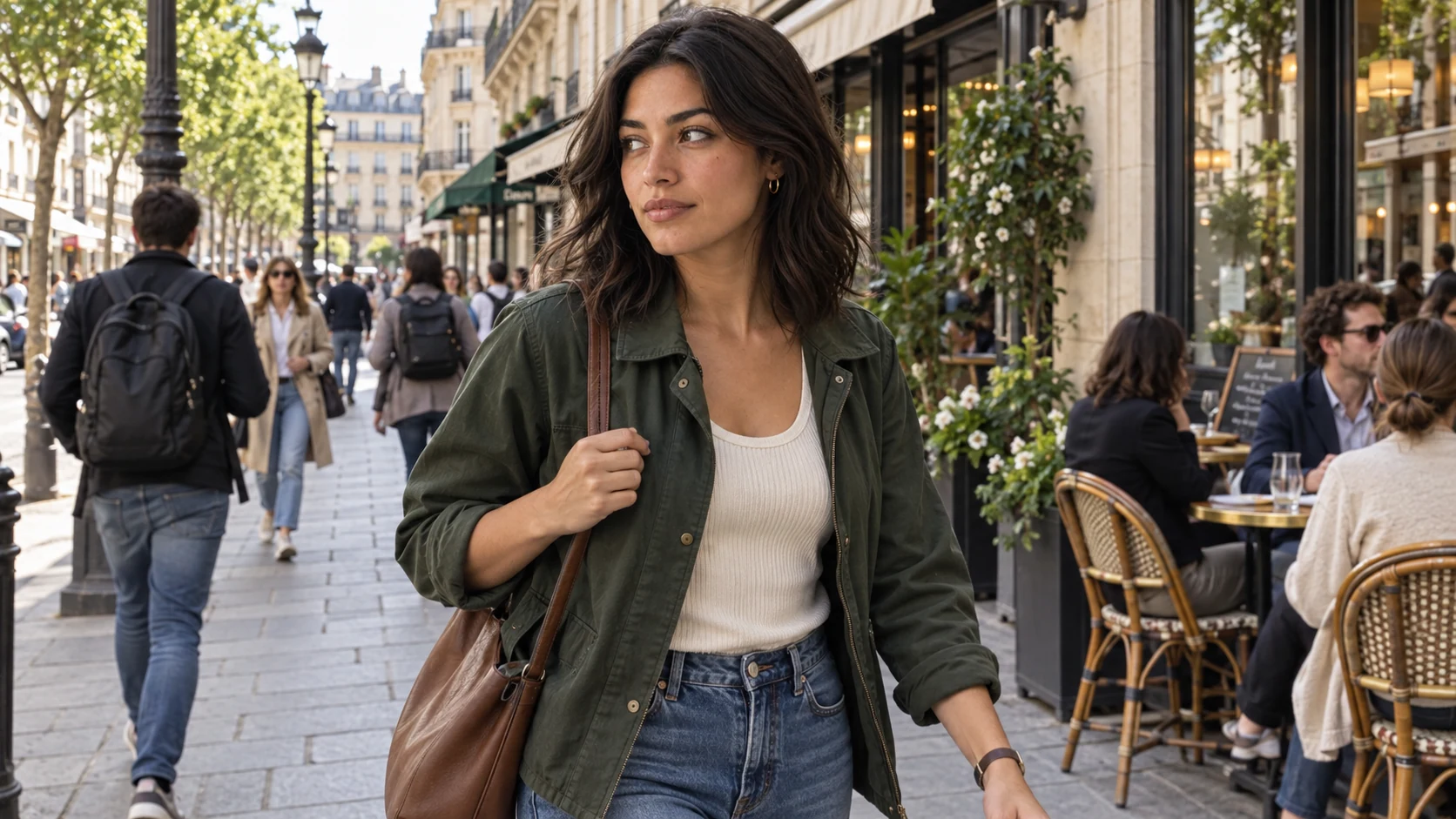
- Character
- Nora
- Scene
- In the city / Daylight
- Framing
- Bust
Creation
Choose the scene, framing and expression.
Shape a photo of your character with a few visual choices. You can also start from a written description or an image.
Your choices
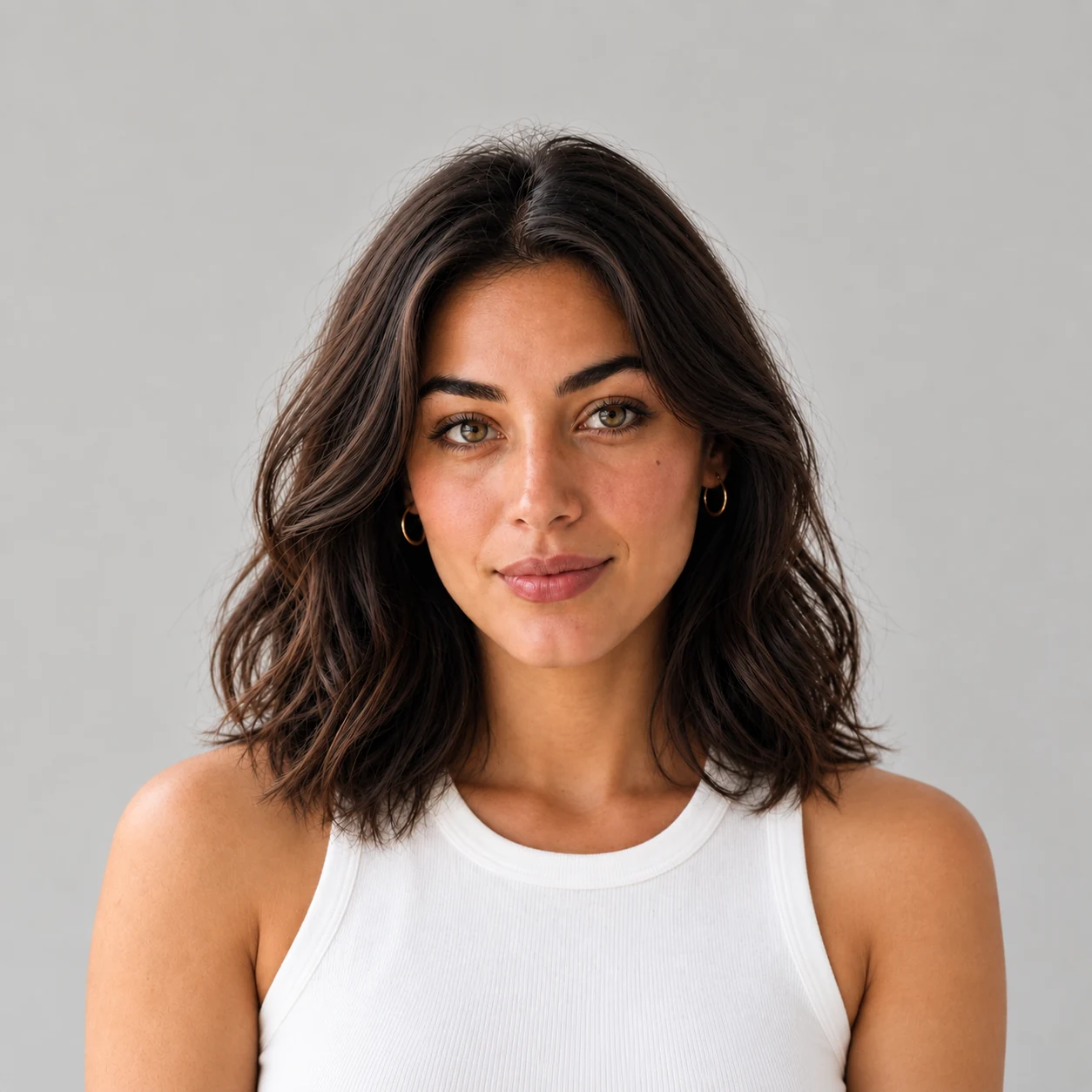 Nora
Caught on the fly
Grain and unsmoothed skin, like a real photo
Settings chosen for your next generation
- Scene
- Street / Daylight
- Framing
- Selfie
- Expression
- Neutral
- Finish
- Caught on the fly
For your next creation
Example result
Example photo
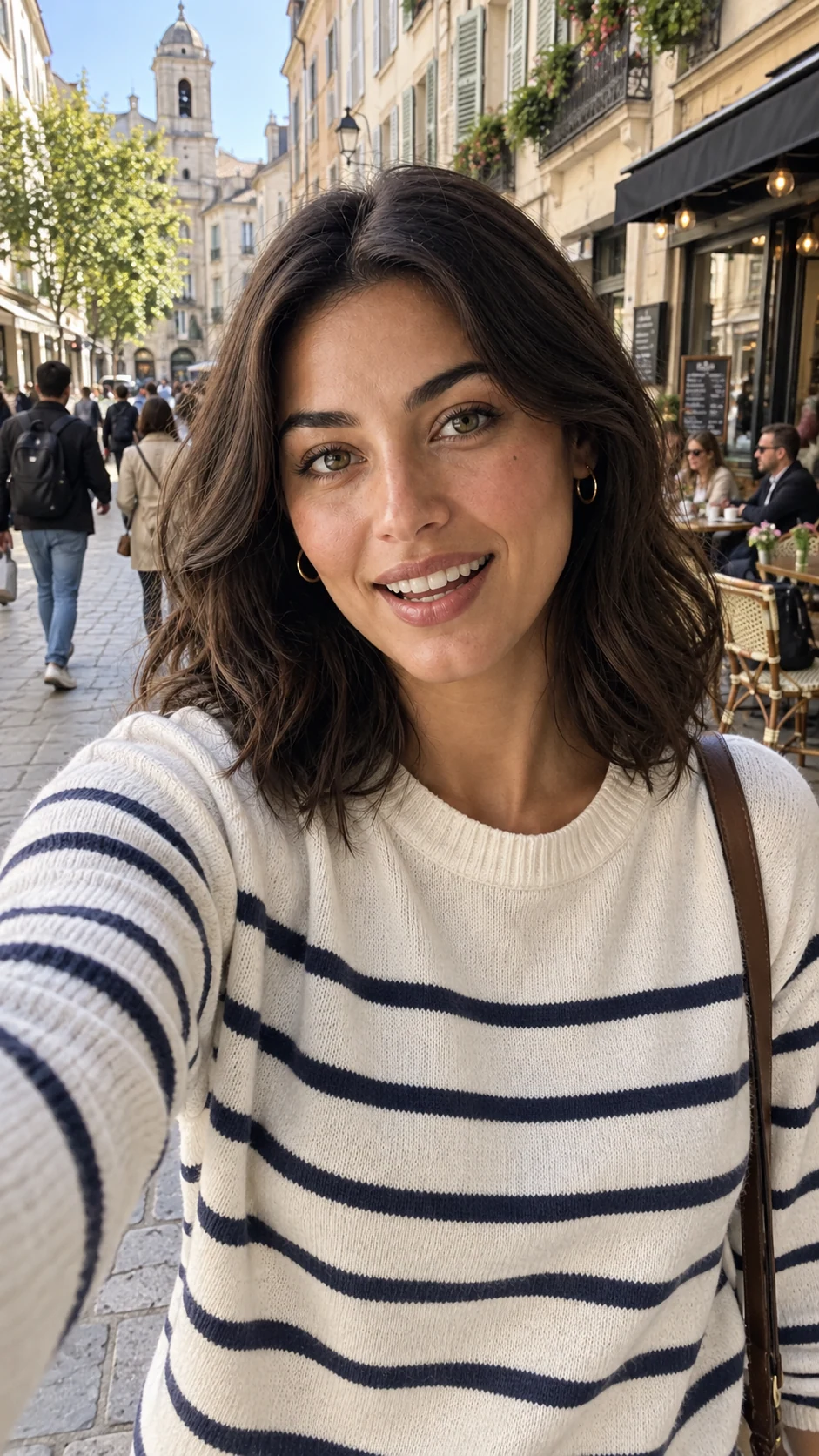
One character, many scenes and angles.
Build a series around your character. Change the place and framing, then pick an Explore idea to continue.
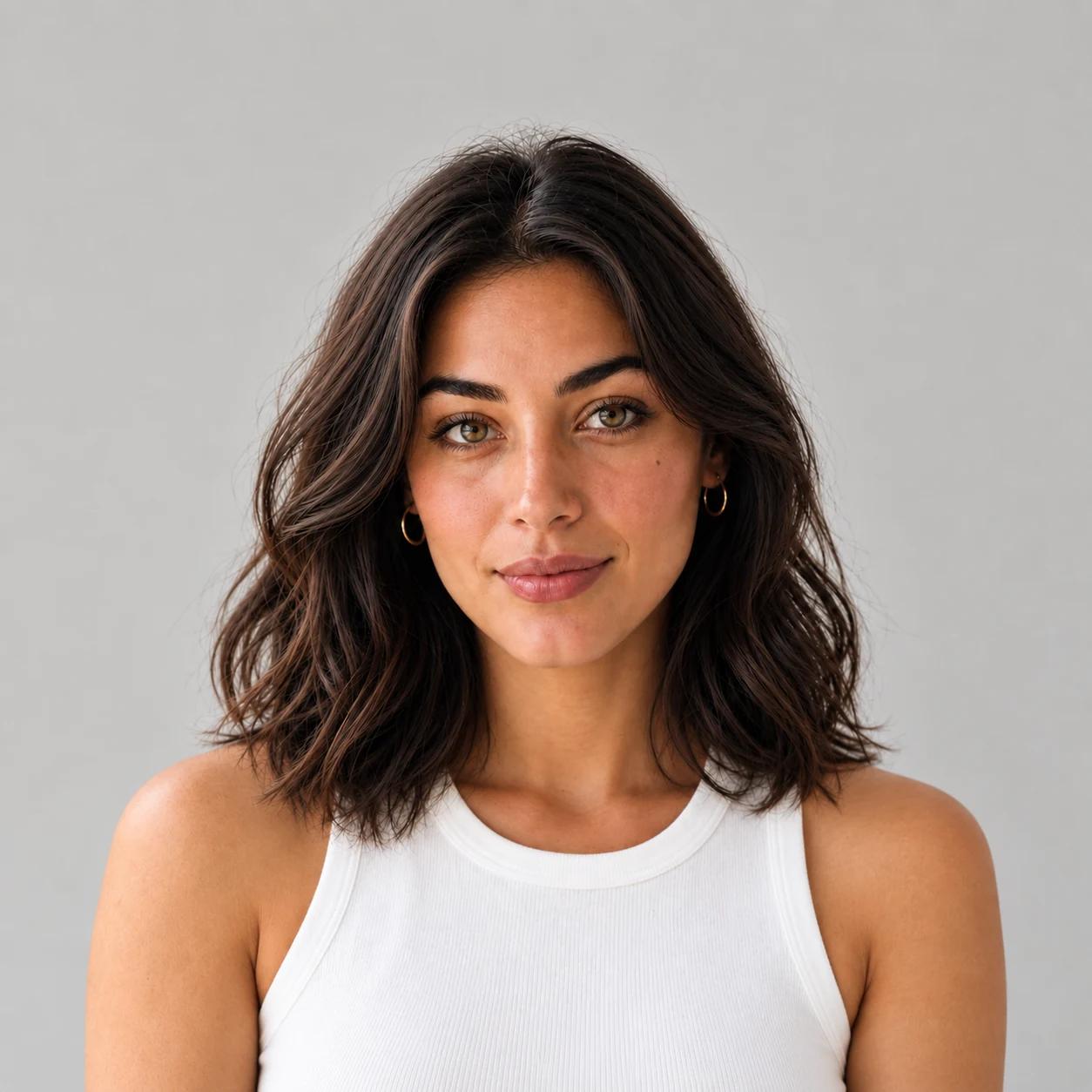
Nora
Reference character
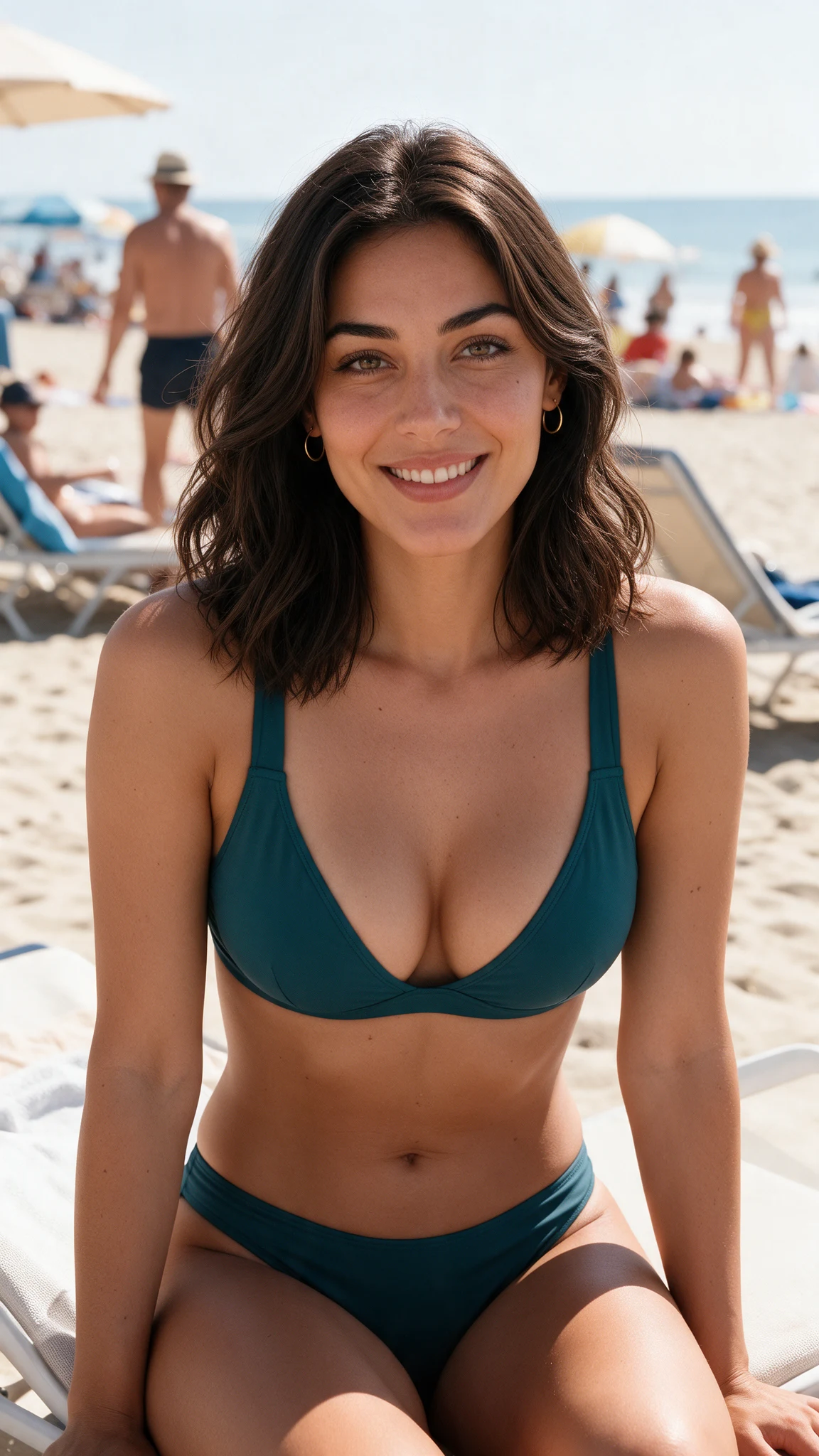
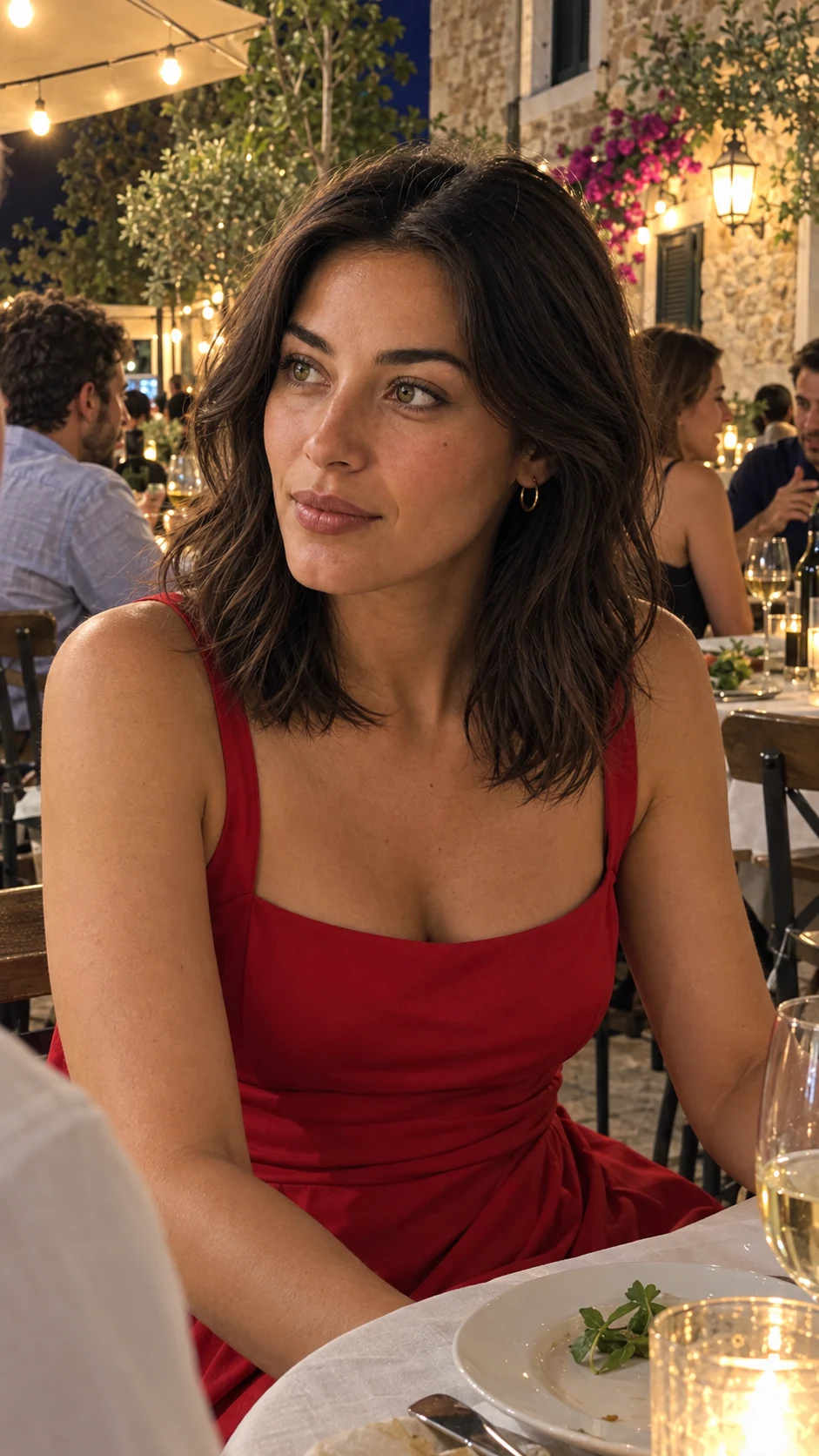
A selfie, a holiday scene or an evening portrait: keep your character as the reference, then choose your next idea.
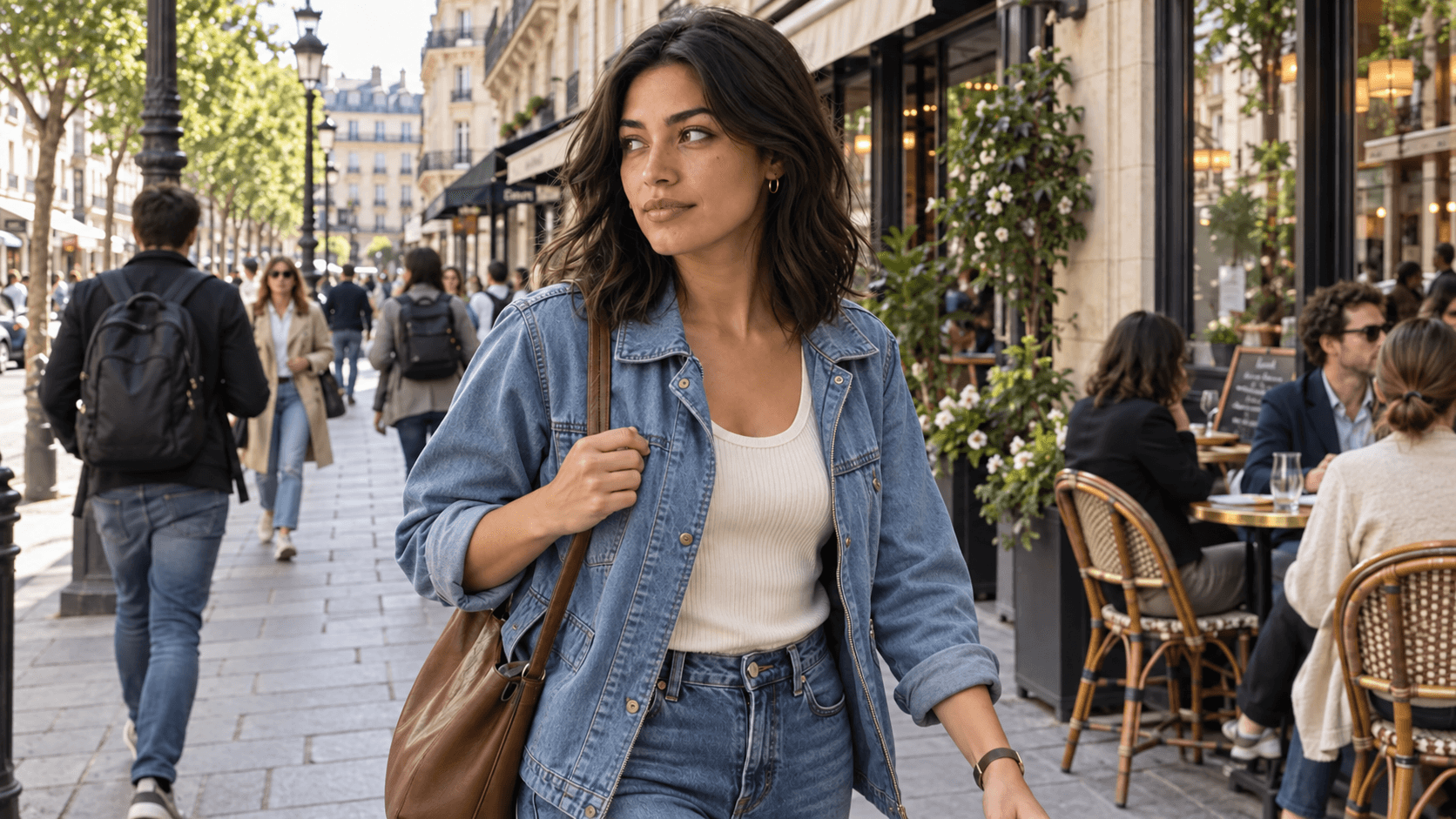
Loading the comparison…
Drag or use the arrow keys to compare.
Creation
Change your character’s outfit.
Upload an image and describe what you want to change: the outfit, lighting or setting.
Questions about AI photo generation.
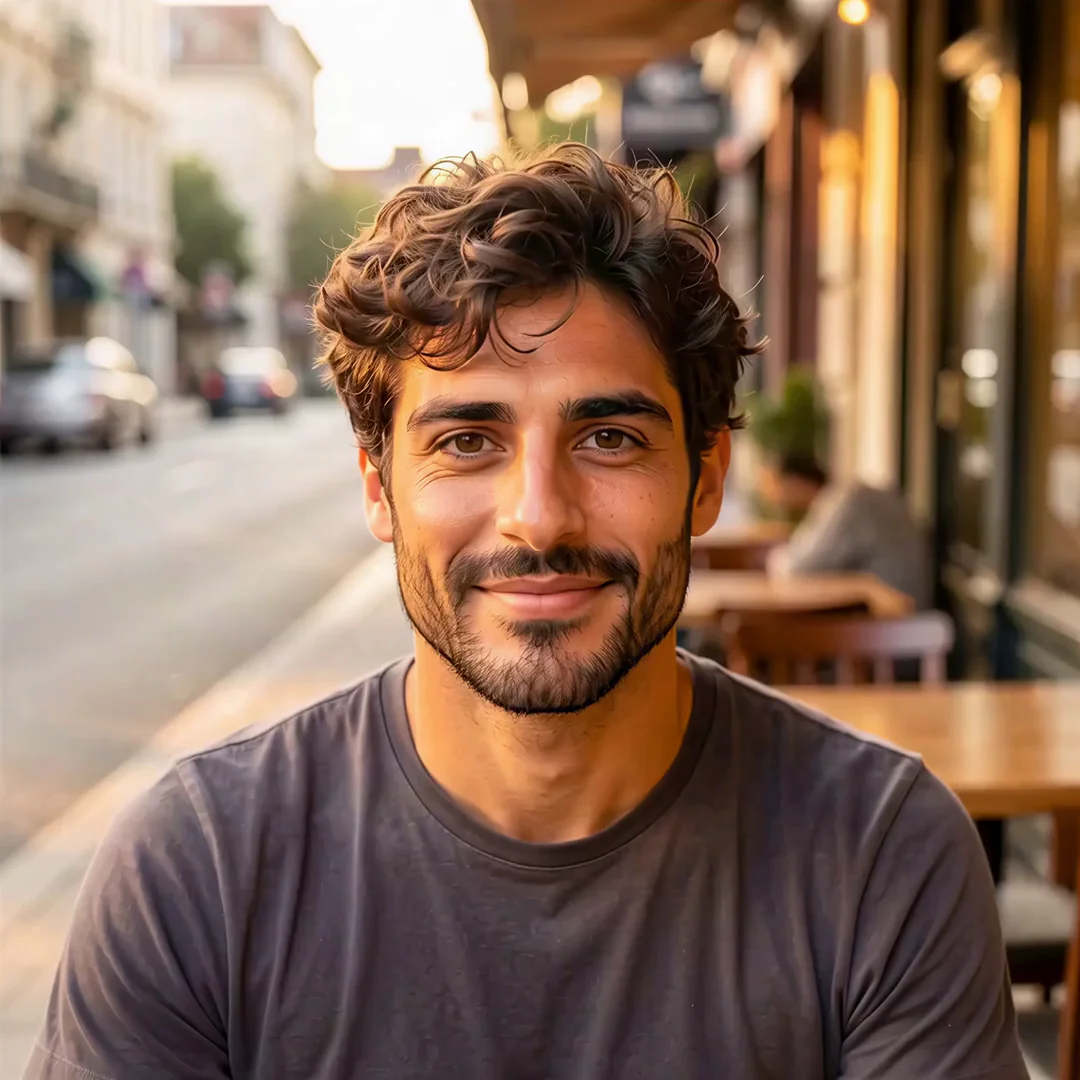
Choose your character and your next scene.
Continue creating in the studio.