
Bring your character to life with AI video.
See your character in motion with simple visual choices. Start from a photo or a text idea, or explore examples for your next creation.
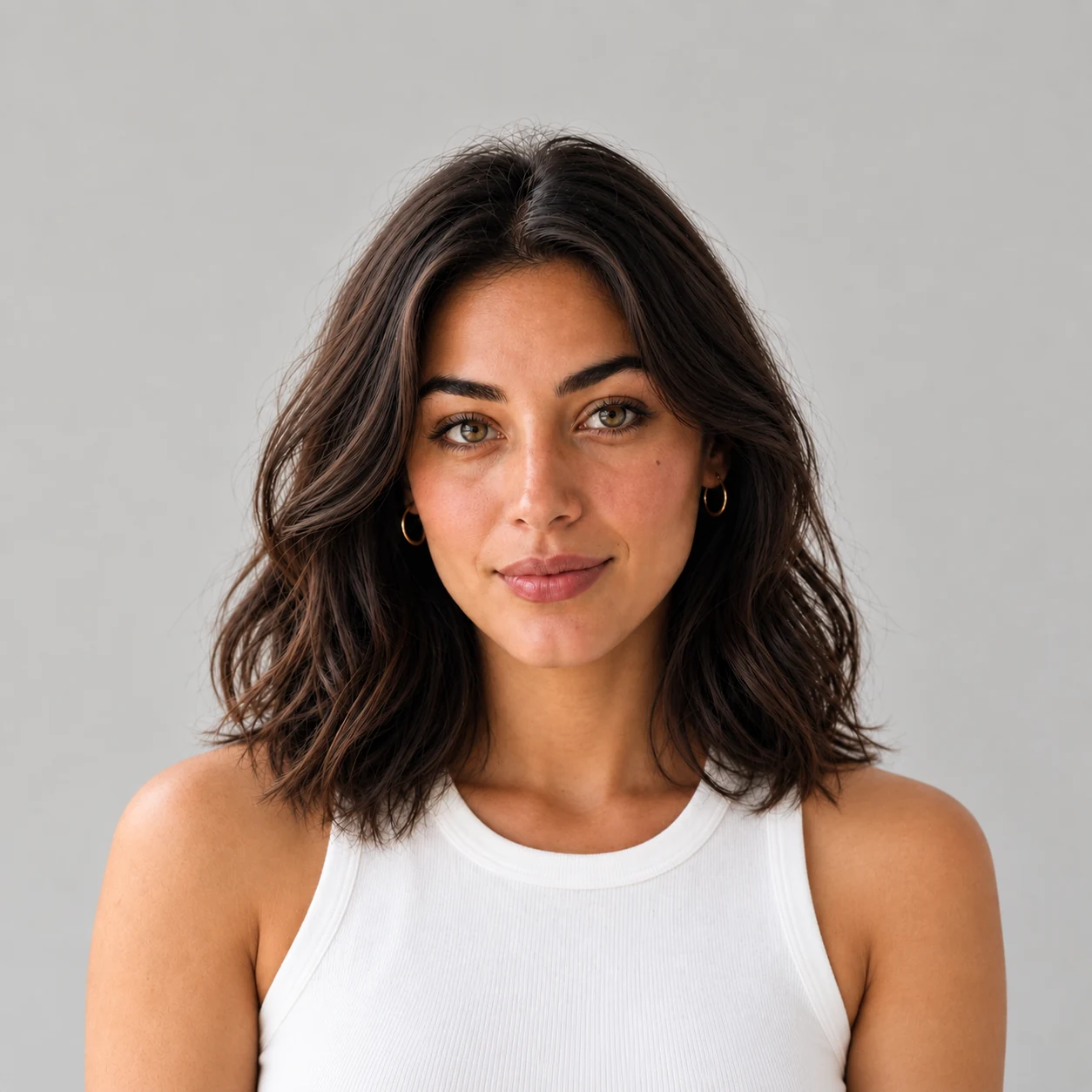

Choose your character and the next scene.
Set up a video with your character and visual choices. You can also start from text or an image; available options depend on the model.
Your choices
NoraCaught on the fly
Grain and unsmoothed skin, like a real photo
Settings chosen for your next generation
- Scene
- Street / Daylight
- Framing
- Selfie
- Expression
- Neutral
- Finish
- Caught on the fly
For your next creation
Example result
Example video

From a photo to a clip.
See a still from the clip beside the full video.
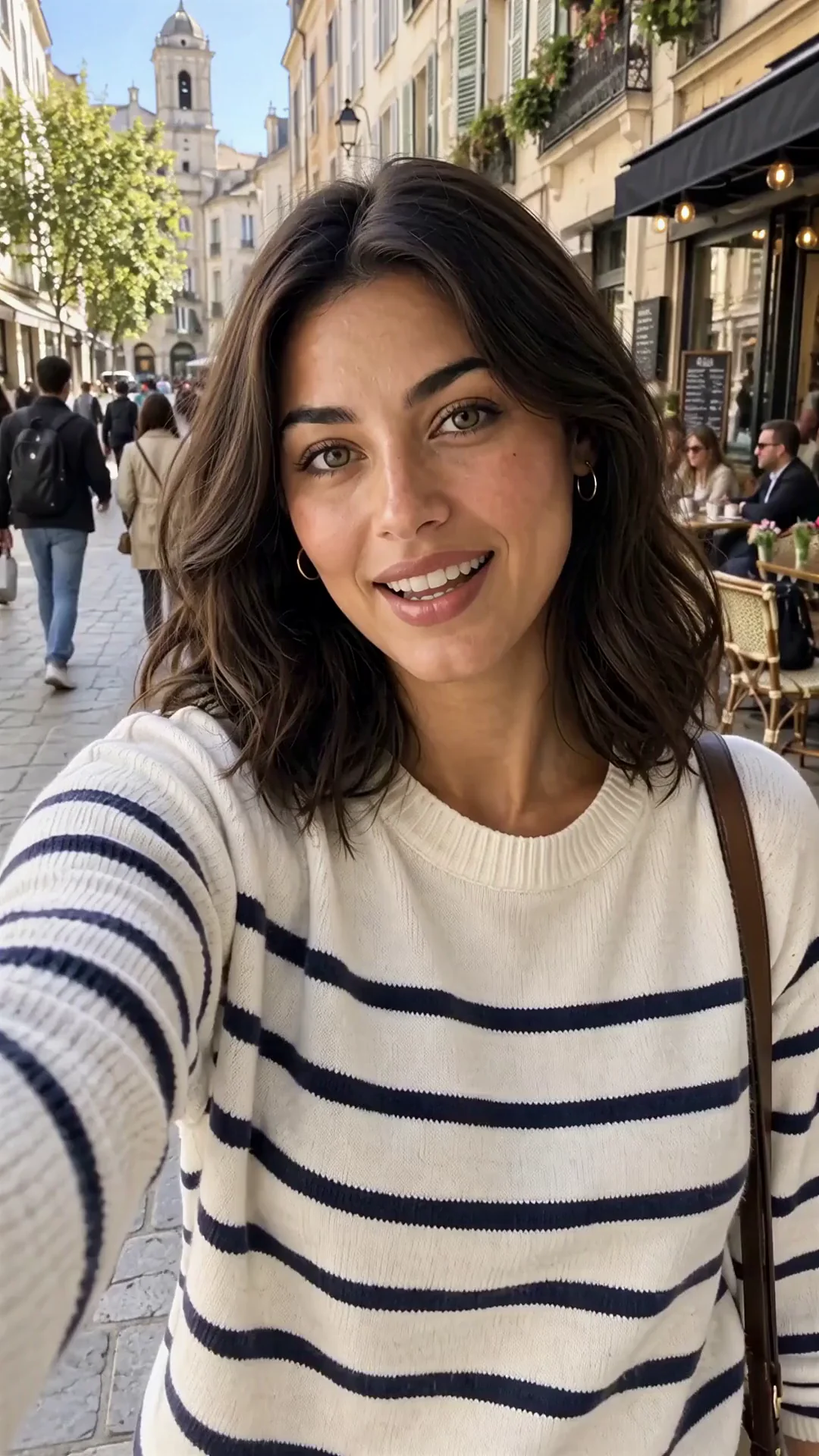
First frame of the clip
Creation
Find a direction for your next video.
Browse scene ideas, then choose a character and visual direction for a new creation in the studio.
Build on an Explore idea
A close street portrait in daylight, with a selfie-style point of view. Choose an available Explore recipe, then select a character for a new creation in the studio.
Questions about AI video generation.
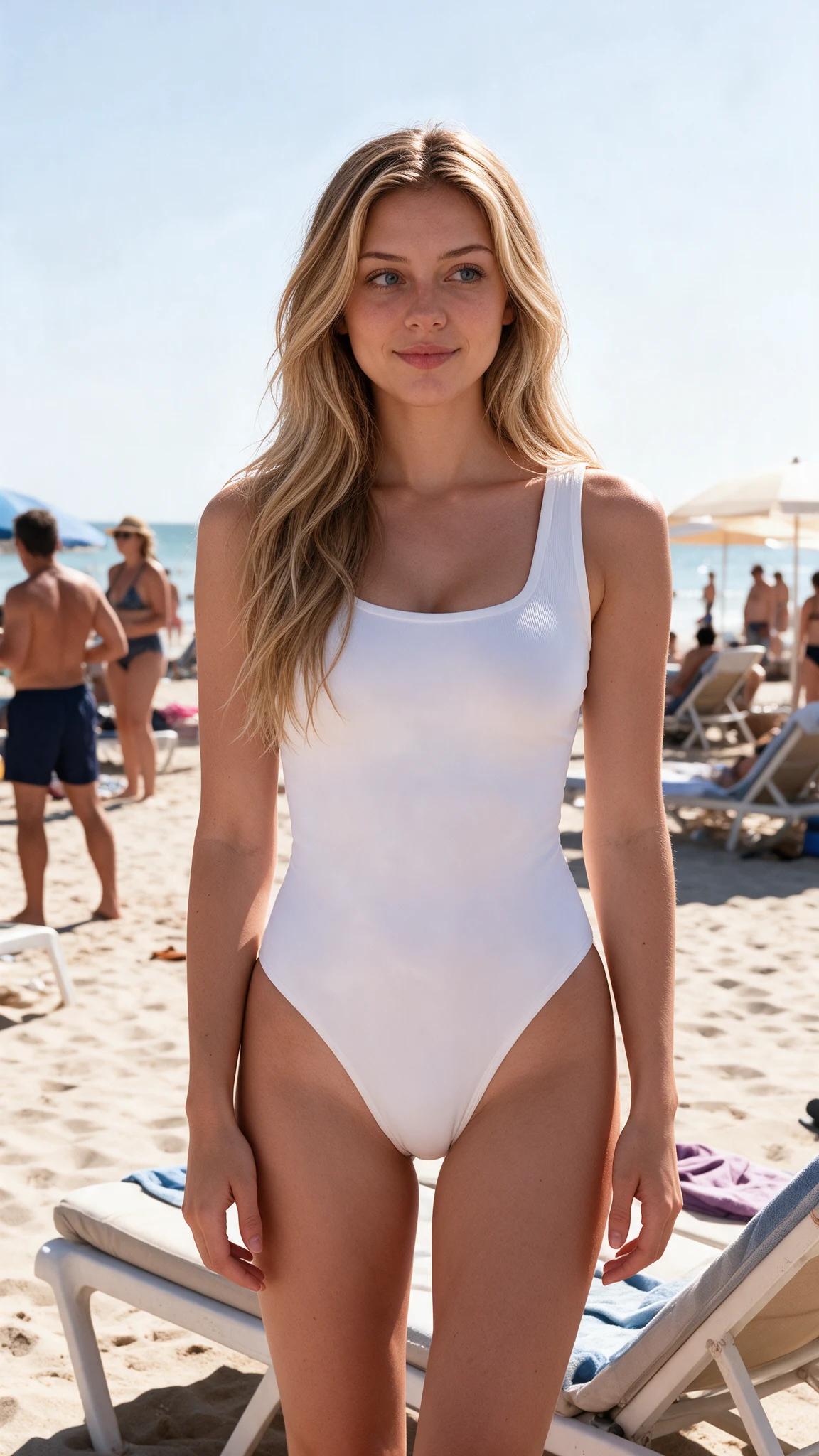
Your character, your next video.
Continue creating in the studio.