
What Is MiniMax H3? The 2026 Video Model With Built-In Sound and Up to 2K Output
MiniMax H3 is the default text-to-video and image-to-video model on OFGenerator: 5 to 15 second clips, up to 2K, with a generated audio track built in. Here's what the model does, where it fits next to the others, and how to get a good result out of it.
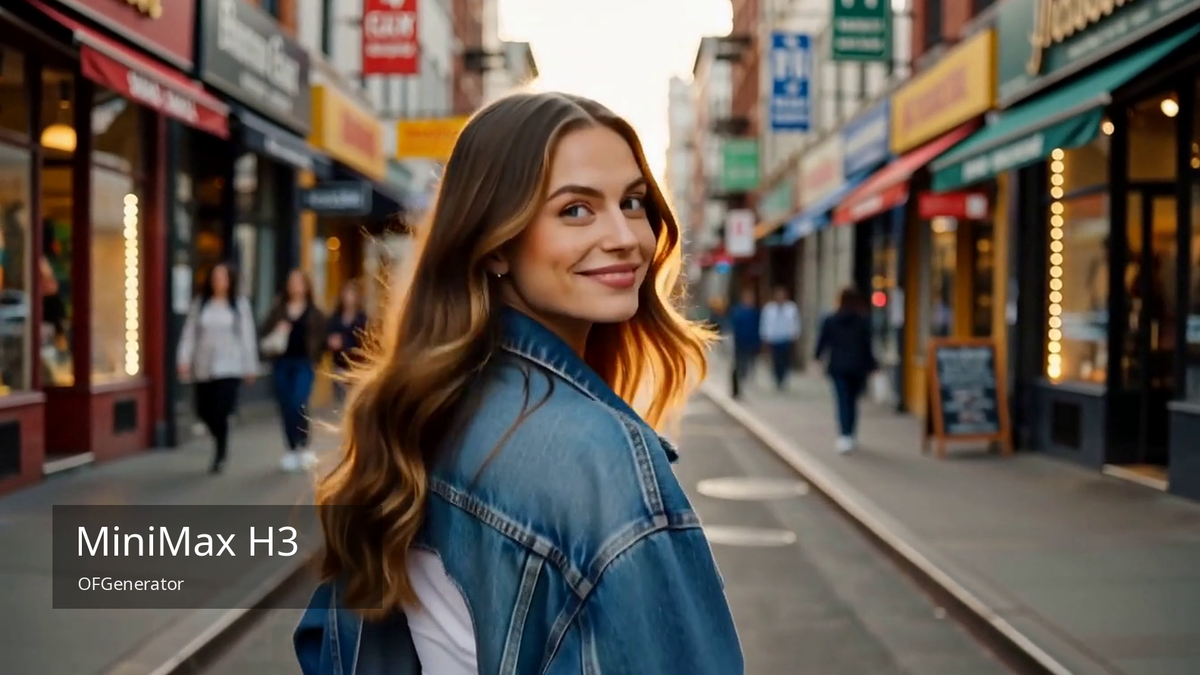
MiniMax H3 is a 2026 video generation model from MiniMax. On OFGenerator it's the default model for both text-to-video and image-to-video — the one a generation uses unless you pick another.
This guide covers what H3 produces, the choices you get when you generate with it, where it sits next to the other video models on the platform, and a few habits that get you a better result.
What you get with MiniMax H3
Four things stand out when you generate with H3.
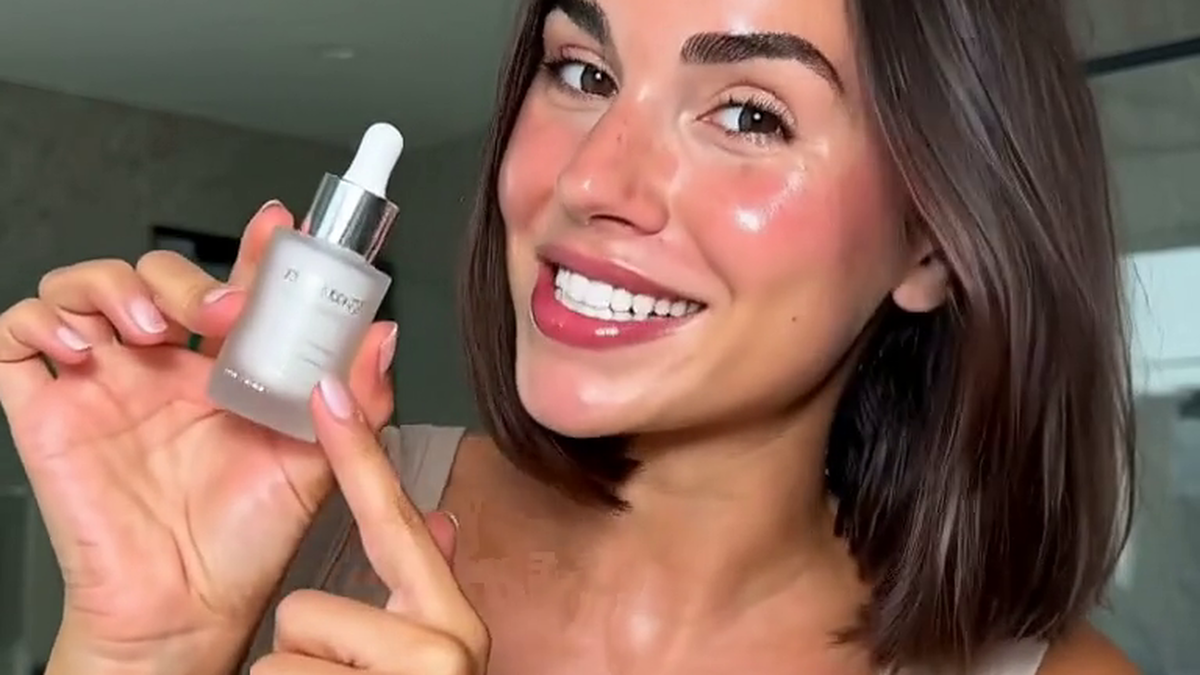
- A built-in audio track. Every H3 clip comes back as video with a generated audio track already in the file — ambient tone, movement, any dialogue you asked for — with no separate audio step. For short vertical content, where sound carries a lot of the retention, that's one stage less in the process.
- Clips from 5 to 15 seconds. You set the length anywhere from 5 to 15 seconds per generation.
- Two resolution tiers. H3 runs at a 768p tier or a higher tier MiniMax labels “2K” — no exact pixel figure is published for it. The difference shows up in fine detail — texture, hair, fabric — on a full phone screen. Each tier shows its credit cost before you generate.
- Short-form aspect ratios. On text-to-video you choose the aspect ratio, vertical 9:16 included for TikTok and Reels; on image-to-video the framing follows your input image.
On content, H3 sits in the platform's least-restrictive tier — 4 out of 4 for permissiveness.
The Enhanced variant
Alongside the default, OFGenerator carries an “H3 Enhanced” variant. Same two resolution tiers, aimed at higher quality, and slower per generation. Use the standard model while you're iterating and switch to Enhanced for a final.
Where it fits among the other video models
H3 is one of the stronger all-round video options on OFGenerator right now, but it isn't always the pick.
It's the choice when detail, length or sound matter — hero content, anything with dialogue or sound design, anything that plays full-screen.
For fast iteration on an idea, the turbo- and fast-class models are quicker per generation. Some models handle a specific look better than a generalist does. Everything runs in the same place, so you can try a prompt on two or three models before you commit without leaving the page.
Getting a good result
A convincing clip needs motion that holds together, a subject that stays consistent, lighting that behaves, and sound that matches the picture. A few habits help.
- Say what the sound should be. Spell out the ambient sound and whether there's music. “Soft room tone, no music” gives a cleaner result than leaving it unstated.
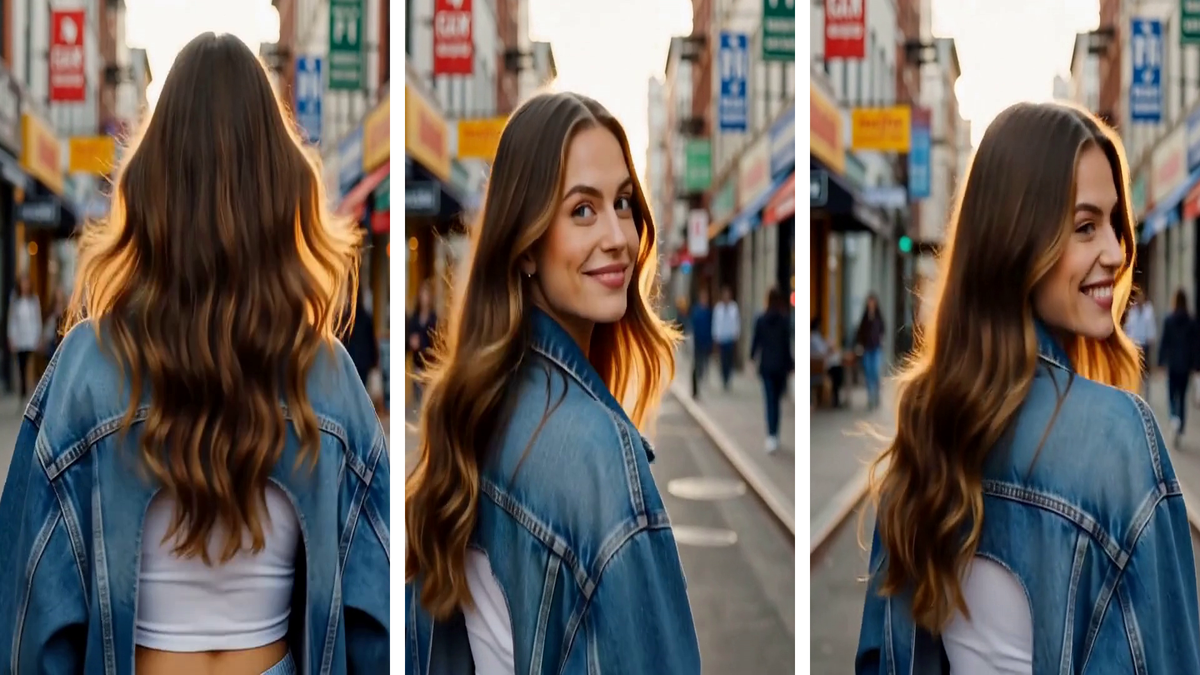
- Start from a still when you have one. Image-to-video holds a subject more consistent than a text description, which drifts between generations.
- Write a fuller prompt. A prompt with a beginning and an end tends to produce steadier motion than one line describing a frozen moment.
How to generate with H3
Open the generator in your browser. H3 is already selected for text-to-video and image-to-video, so you can start typing a prompt or drop in a reference image. Set the duration and resolution — each option shows what it costs in credits — then generate. The finished clip lands in your history. Credits come off your balance per generation, and a failed generation is refunded automatically.
MiniMax H3 is live on OFGenerator.
Start now — free creditsFurther reading
For prompt structure across both images and video, our guide to writing effective AI prompts has templates you can adapt. And if you're building a character to carry across a full content library, our guide to building a consistent AI persona covers keeping features coherent between stills and video.