What Is Qwen Image 3? Alibaba’s New Image Model Explained
Alibaba's Qwen Image 3 takes prompts several times longer than the last generation, edits from up to three reference images, and renders readable text down to 10px. Here's what that changes in practice.
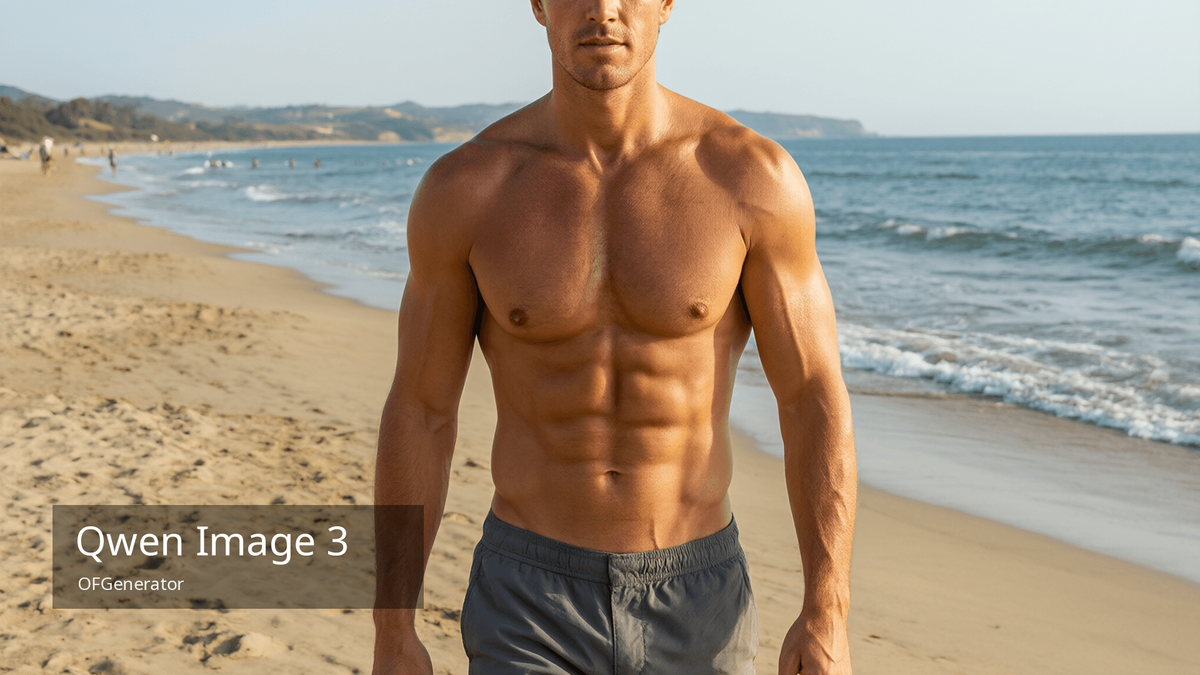
Qwen Image 3 is now the default text-to-image model on OFGenerator, and qwen-image-3-edit is the default for editing. It's the third generation of Alibaba's image line, and the most capable one they've shipped — but it also works differently from the models most people are used to.
The problem, as always, is access. Alibaba introduced Qwen Image 3 in late July 2026 through the same hosted API model as the rest of the Qwen Image line — no downloadable checkpoint, no ComfyUI node, no local path. As of this writing, Alibaba Cloud's own documentation still describes the model as being in limited preview, with access granted by application through the Model Gallery rather than a straightforward public signup. The official route is an Alibaba Cloud account, an application, and a console to navigate before you generate anything.
OFGenerator now runs on Qwen Image 3. You open a browser, write your prompt or upload a reference image, and generate. That's it.
What Qwen Image 3 actually changes
It ships in two editions — Standard and Pro — both served through the same hosted API. The four changes that matter:
- Prompts up to 4,500 tokens. That's several times the input length Alibaba documents for the previous generation (its own docs put the qwen-image-2.0 series at up to 1,300 tokens). You can specify an image exhaustively — subject, lighting setup, camera and lens, wardrobe, background, mood — in a single prompt instead of compressing it into keyword soup and hoping the model fills the gaps. Long-prompt adherence is the defining property of this model.
- Reference-based editing with 1 to 3 images. The editing mode takes up to three reference images and changes the setting, style, clothing or text while preserving the details you want kept. This is a genuine capability shift, not an upgrade — it turns editing into a controllable operation rather than a re-roll.
- Text that renders legibly. Qwen Image 3 handles text down to around ten pixels, natively across 12 languages and more than 20 fonts. Signage inside a scene, captions burned into an image, posters, branded overlays — the places where garbled pseudo-text used to give a generation away.
- A closed release, so far. Unlike Qwen Image 1.0 — a 20-billion-parameter MMDiT model that Alibaba published openly under an Apache 2.0 license, with a full technical report — version 3 has shipped with no open weights, no model card, and no published benchmark scores. It's hosted access only, and gated at that.
What it looks like in practice
The practical difference is in how you prompt. Qwen Image 3 rewards structure: subject, then lighting, then camera, then wardrobe, then background, then mood. Written that way, each section gets used properly instead of averaged into a general impression — and your prompts become reusable, because you swap one section instead of rewriting the whole thing.
Naming the camera does more work than any number of quality adjectives. "85mm, f/1.8, waist-up, slightly above eye level" produces a more specific result than a stack of words like ultra realistic, 8k, masterpiece. That stacking was a habit from the SDXL era, and on a model with this much instruction-following headroom it wastes tokens that could describe the actual shot.
For editing, the model responds to explicit separation: name what should stay identical, and name what should change. "Keep the face, hair and body proportions unchanged; change the setting to a sunlit kitchen" works better than describing the target image from scratch.
Where it fits among the other models
Qwen Image 3 isn't the right model for every job, and it's worth knowing where it sits.
Its strengths are prompt adherence, editing control and text. That makes it strong for composed scenes, product and lifestyle shots, poster-style layouts, and anything where you need the output to match a specific brief. Standard is fast enough for volume exploration; Pro trades speed for detail on the shots that matter.
Where other models still win: if you want maximum photorealism on close-up skin texture, the SDXL-based checkpoints remain competitive, and dedicated photoreal models are worth testing side by side. If you need speed above all, the turbo-class models generate in a fraction of the time. The advantage of running everything in one place is that switching models costs you nothing — same interface, same reference images.
Why OFGenerator runs it instead of you
With most strong image models, the tradeoff is setup: several gigabytes to download, ComfyUI to install, 24GB of VRAM to find, an evening of configuration. Painful, but possible.
Qwen Image 3 removes that option entirely. There is no offline path to this model. Either you have hosted access, or you don't have the model — and the official route, today, is an application-gated cloud console built for enterprise teams, not a solo creator's afternoon project.
OFGenerator takes a different position: you shouldn't have to do any of that. We run both editions plus both editing modes, alongside the rest of the catalogue. No Alibaba account, no application to file, nothing to configure.
Qwen Image 3 is live on OFGenerator.
Start now — free creditsFurther reading
If you're working out which model to use for which job, our complete guide to AI image generation covers text-to-image, image-to-image and how to choose between them. For prompt structure specifically, our guide to writing effective AI prompts has templates you can adapt. And if you're building a character to carry across a full library, our guide to building a consistent AI persona covers keeping features coherent from one generation to the next.